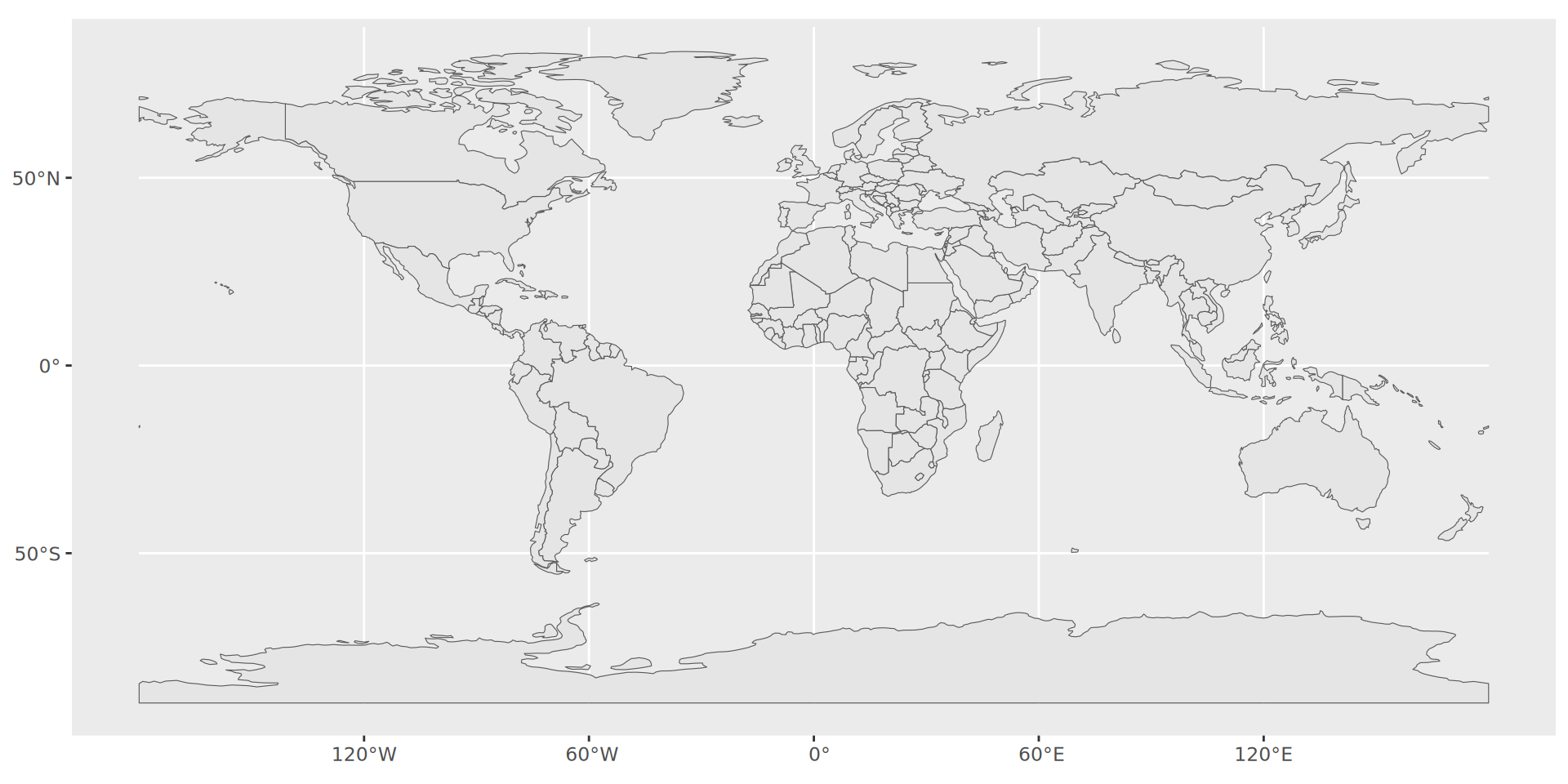
ggplot(world) + # from maps package
geom_sf() # To draw spatial data structures and projections; handles projection but more on that later.Geographical data
Maps
Wednesday, 1 April 2026
Introduction
Basic maps with ggplot
Using maps
Basic maps with ggplot
ggplot knows the world
library(ggplot2)

gworld <- ggplot2::map_data("world") # ggplot "version" of the world
luxembourg <- map_data("world", region = "Luxembourg")

gworld |>
  filter(region == "Luxembourg") |>
  slice_sample(n = 10)
long lat group order region subregion
1 6.110058 50.12378 958 59749 Luxembourg <NA>
2 5.787988 49.75889 958 59737 Luxembourg <NA>
3 5.823438 49.50508 958 59730 Luxembourg <NA>
4 6.484766 49.70781 958 59715 Luxembourg <NA>
5 6.493750 49.75439 958 59714 Luxembourg <NA>
6 6.054786 50.15430 958 59747 Luxembourg <NA>
7 5.740820 49.85718 958 59740 Luxembourg <NA>
8 5.735253 49.87564 958 59741 Luxembourg <NA>
9 6.242187 49.49434 958 59722 Luxembourg <NA>
10 5.815430 49.55381 958 59732 Luxembourg <NA>… which we can easily visualise
ggplot(gworld) +
  geom_line(aes(x = long, y = lat))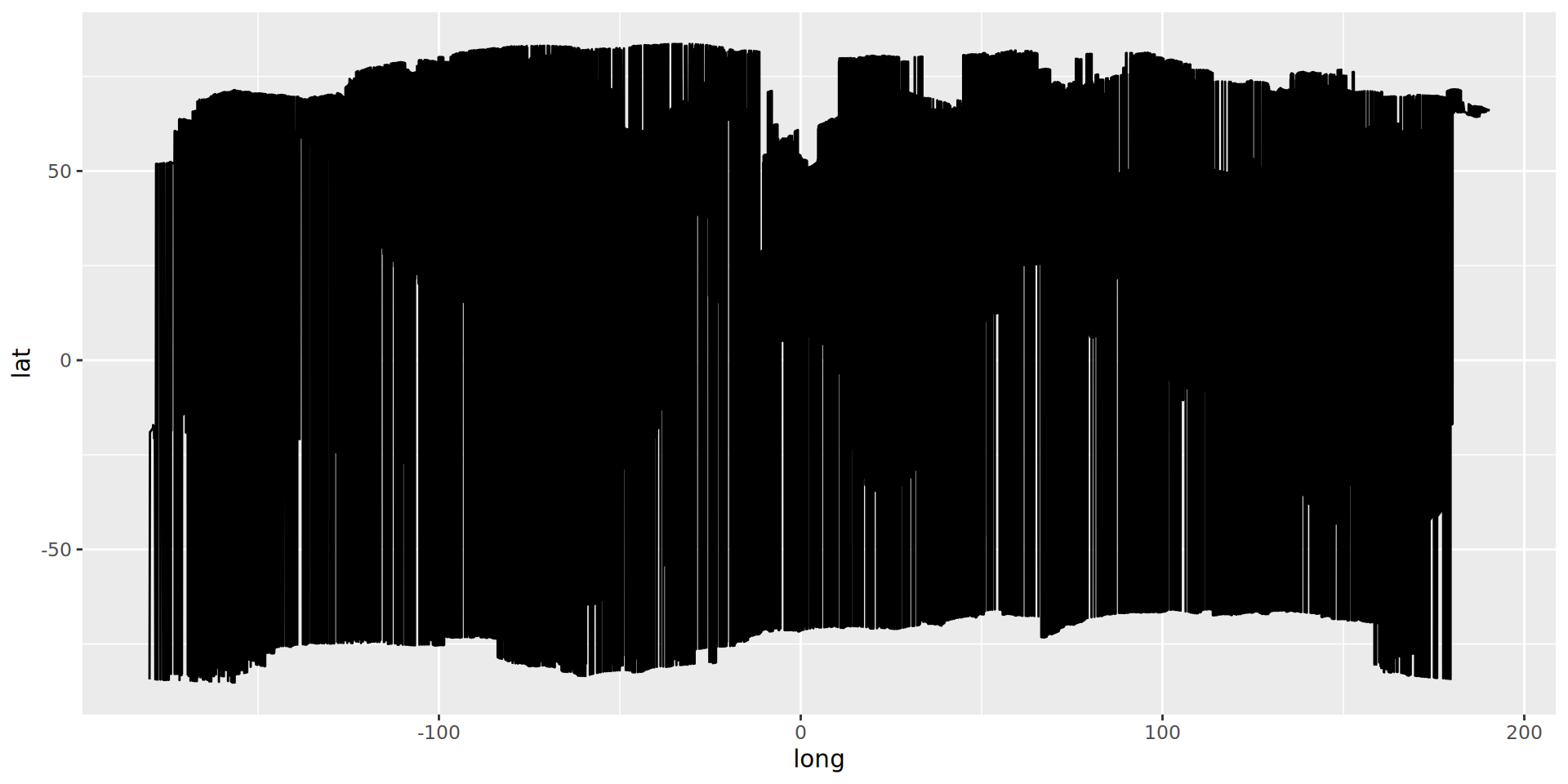
Basic maps with ggplot
ggplot knows the world
library(ggplot2)

gworld <- map_data("world")

gworld |>
  slice_sample(n = 10)
long lat group order region subregion
1 102.461716 13.015039 910 57660 Cambodia <NA>
2 -73.975975 18.601416 689 46481 Haiti <NA>
3 100.324318 7.644189 1413 88259 Thailand <NA>
4 9.916016 27.785692 486 35694 Algeria <NA>
5 -160.992386 58.561039 1556 95672 USA Alaska
6 18.901075 45.907616 1383 86116 Serbia <NA>
7 26.620214 55.679638 216 11628 Belarus <NA>
8 134.100006 -3.799707 780 48741 Indonesia Irian Jaya
9 -74.368462 -45.735840 407 27340 Chile 21
10 144.005463 44.116650 896 55666 Japan Hokkaido… which we can easily visualise if groups are respected
ggplot(gworld) +
  geom_polygon(aes(x = long, y = lat, group = group))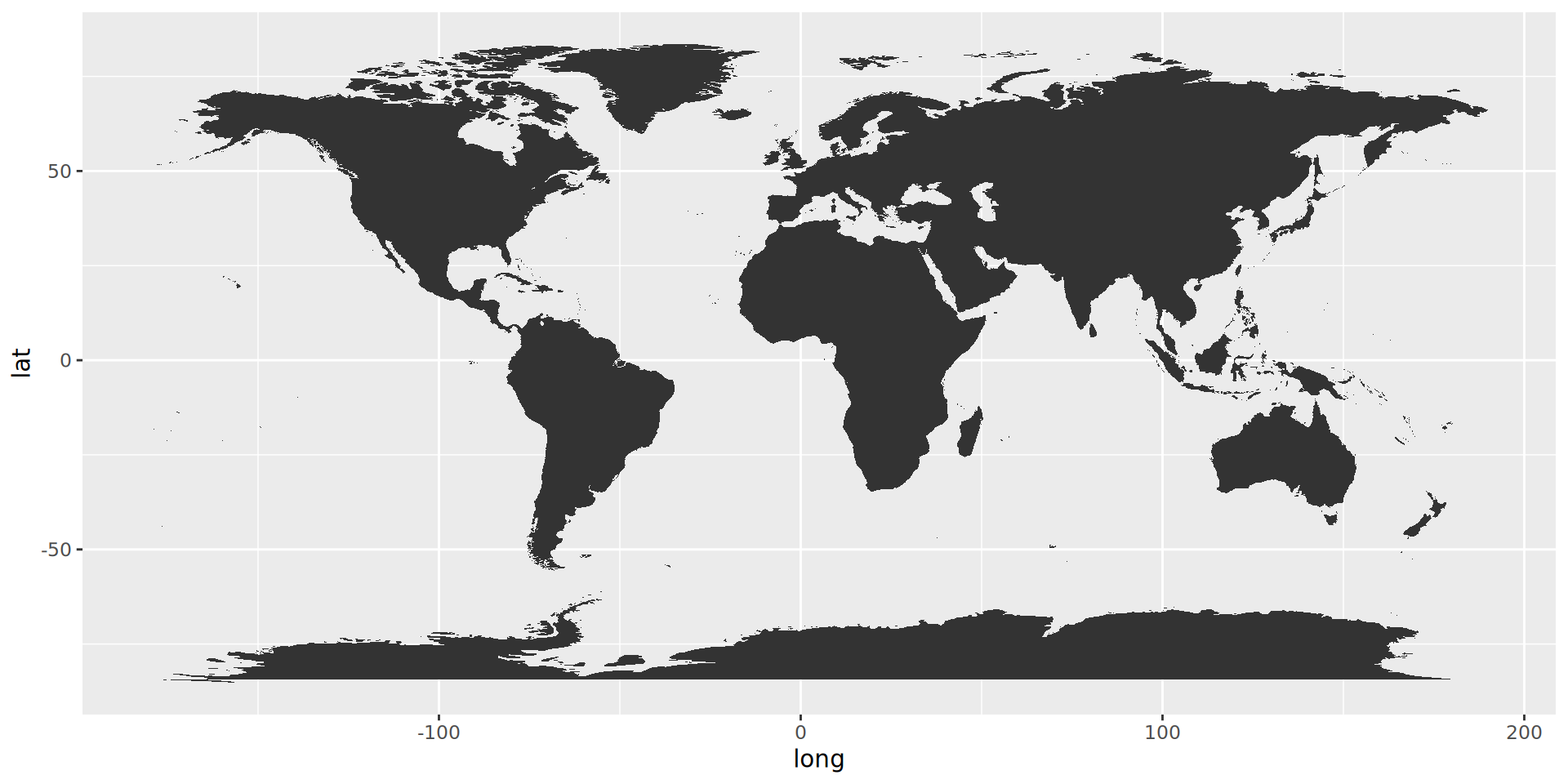
geom_polygon() give us countries
ggplot(gworld) +
  geom_polygon(aes(x=long,
                   y = lat,
                   group = group),
color = "white") 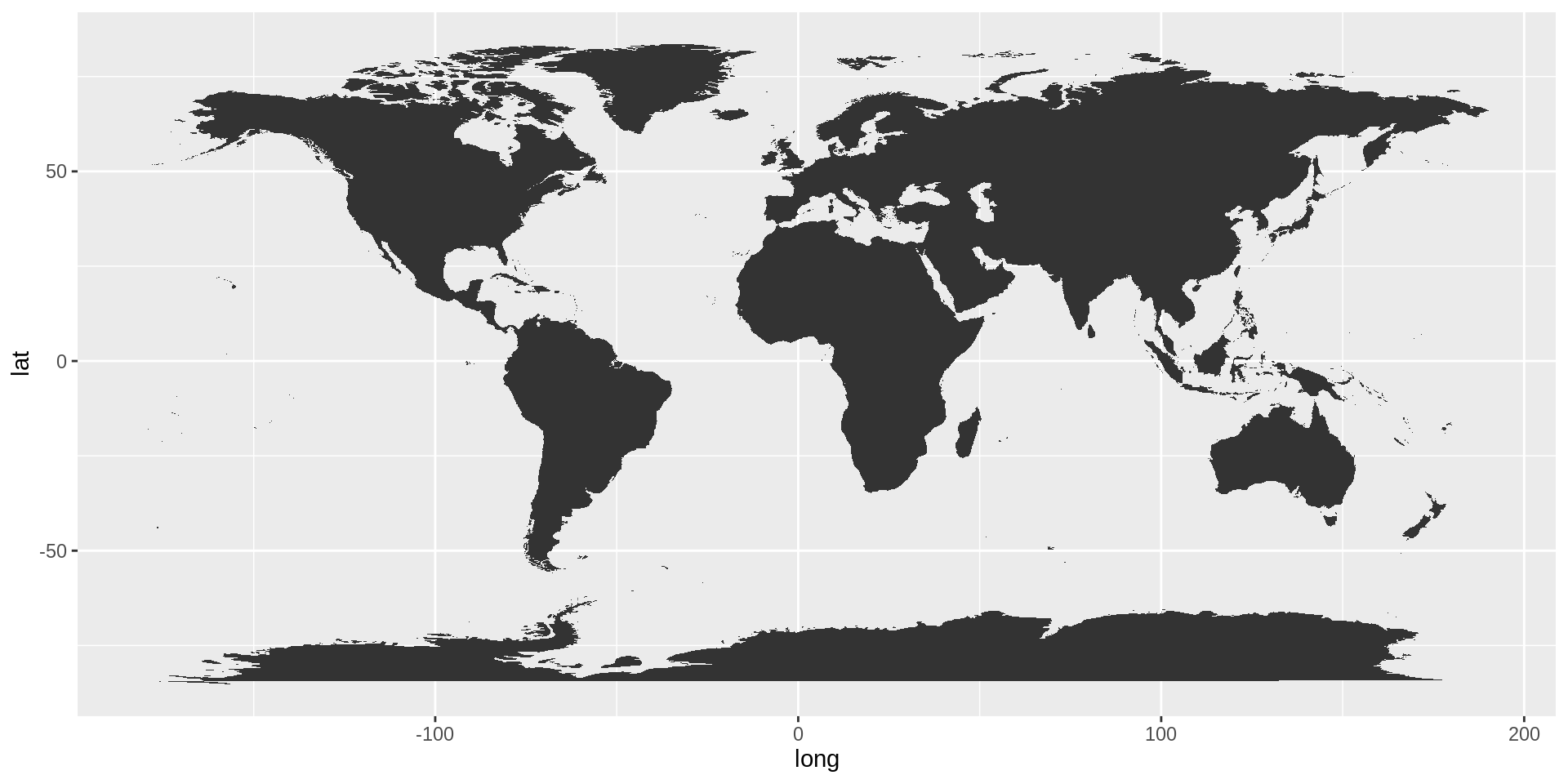
geom_map()
ggplot(gworld) +
  geom_map(map = gworld,
           data = gworld,
           aes(map_id = region,
               fill = region)) +
  expand_limits(x = gworld$long, y = gworld$lat) +
  guides(fill = "none") +
  scale_fill_discrete_qualitative(palette = "Dark 2")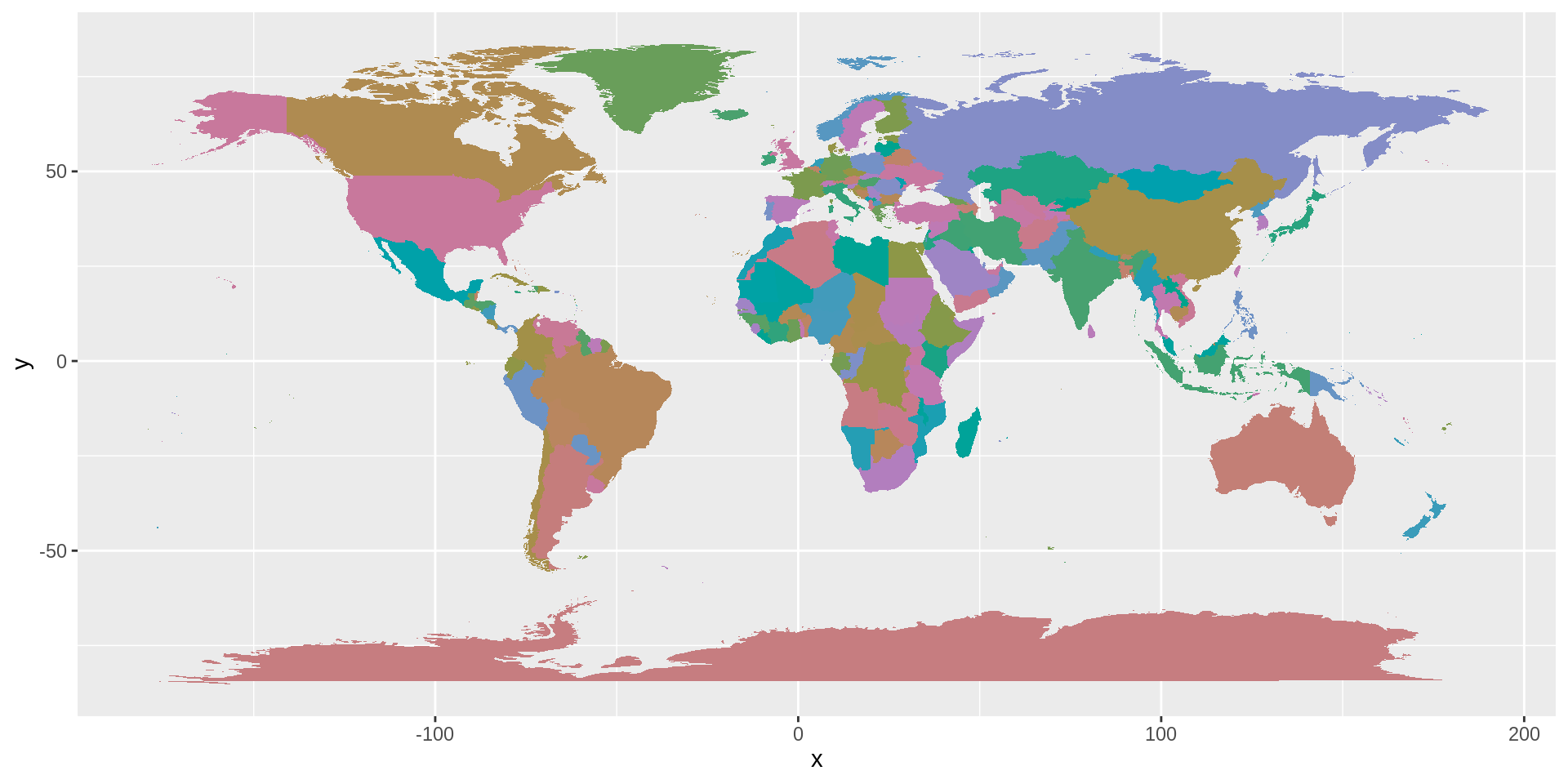
Caution
map() != mapping()
Great map, but input data is limited. And geom_map() is barely explained.
Zooming in on Luxembourg
mno_1020 = data.frame(long = c(5.9479),
lat = c(49.5037))ggplot() +
geom_map(data = gworld,
map = gworld,
aes(map_id = region,
fill = region),
color = "black") +
geom_point(data = mno_1020,
aes(long, lat),
color = "white",
size = 3.5) +
# add repelled labels with lines
geom_label_repel(data = mno_1020,
aes(x = long, y = lat, label = "MNO"),
fill="black",
color = "white",
size = 3,
label.r = unit(0.25, "lines"), # rounded corners
label.size = 0.4, # border thickness
segment.color = "white",
segment.size = 0.7,
nudge_y = 0.3, # Keep label above
force=5, # Keep label further away
box.padding = 1,
point.padding = 1) +
expand_limits(x = gworld$long, y = gworld$lat) +
coord_cartesian(xlim = c(5.5, 6.75),
ylim = c(48.5, 51)) +
scale_fill_discrete_qualitative(palette = "Dark 2") +
guides(fill = "none")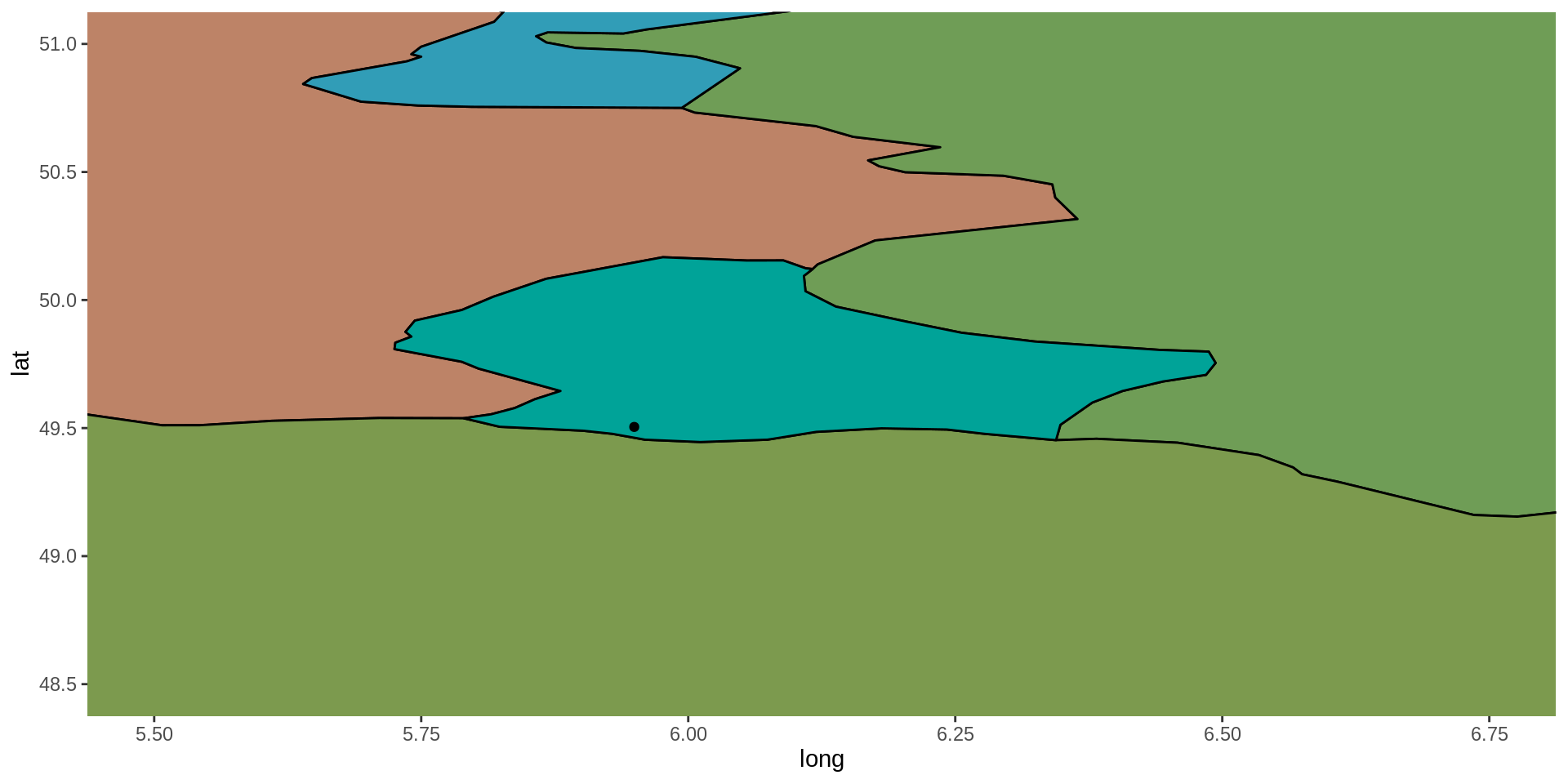
Why project?
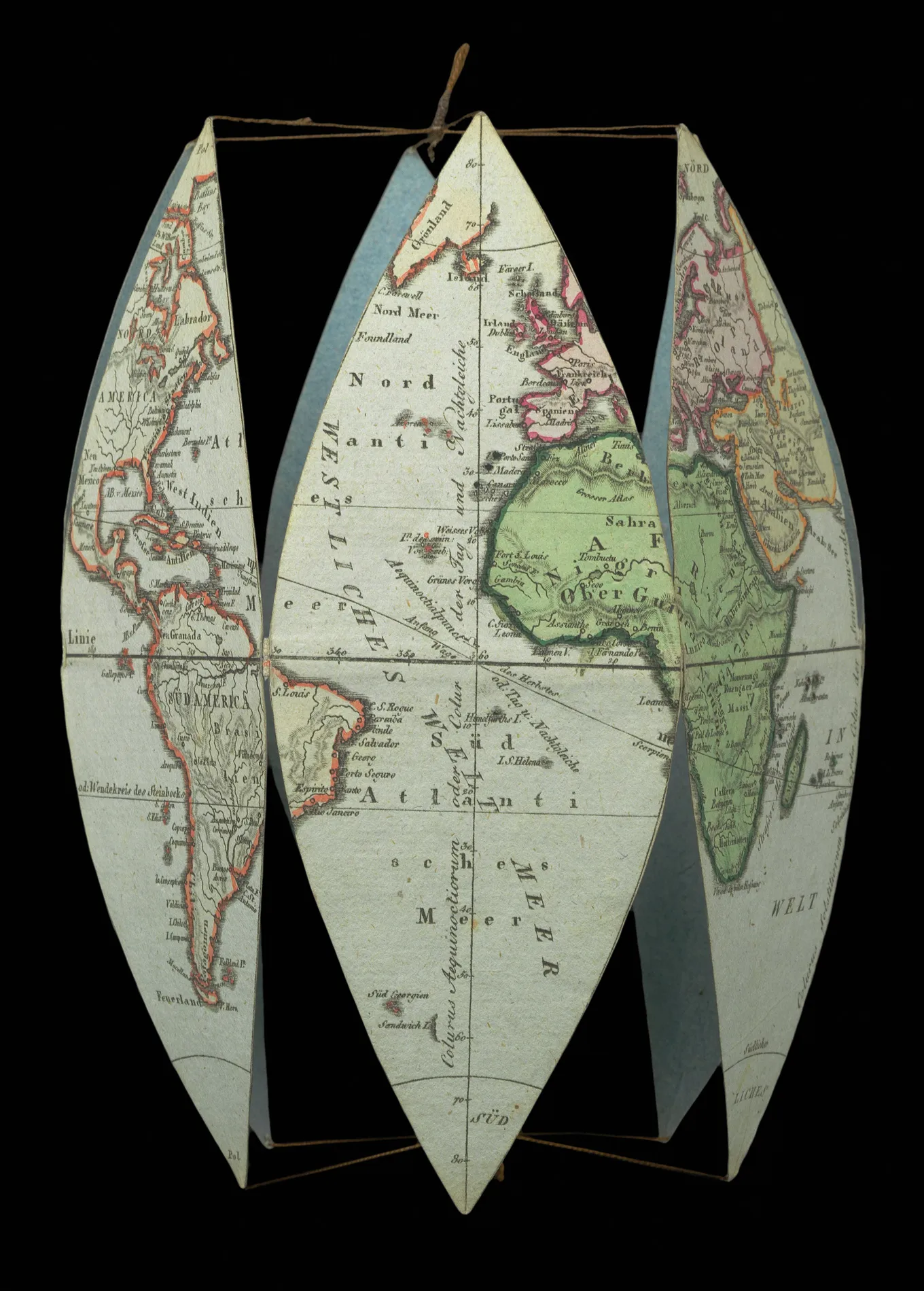
Parallels (latitude) and meridians (longitude)
Claus O. Wilke on projections.
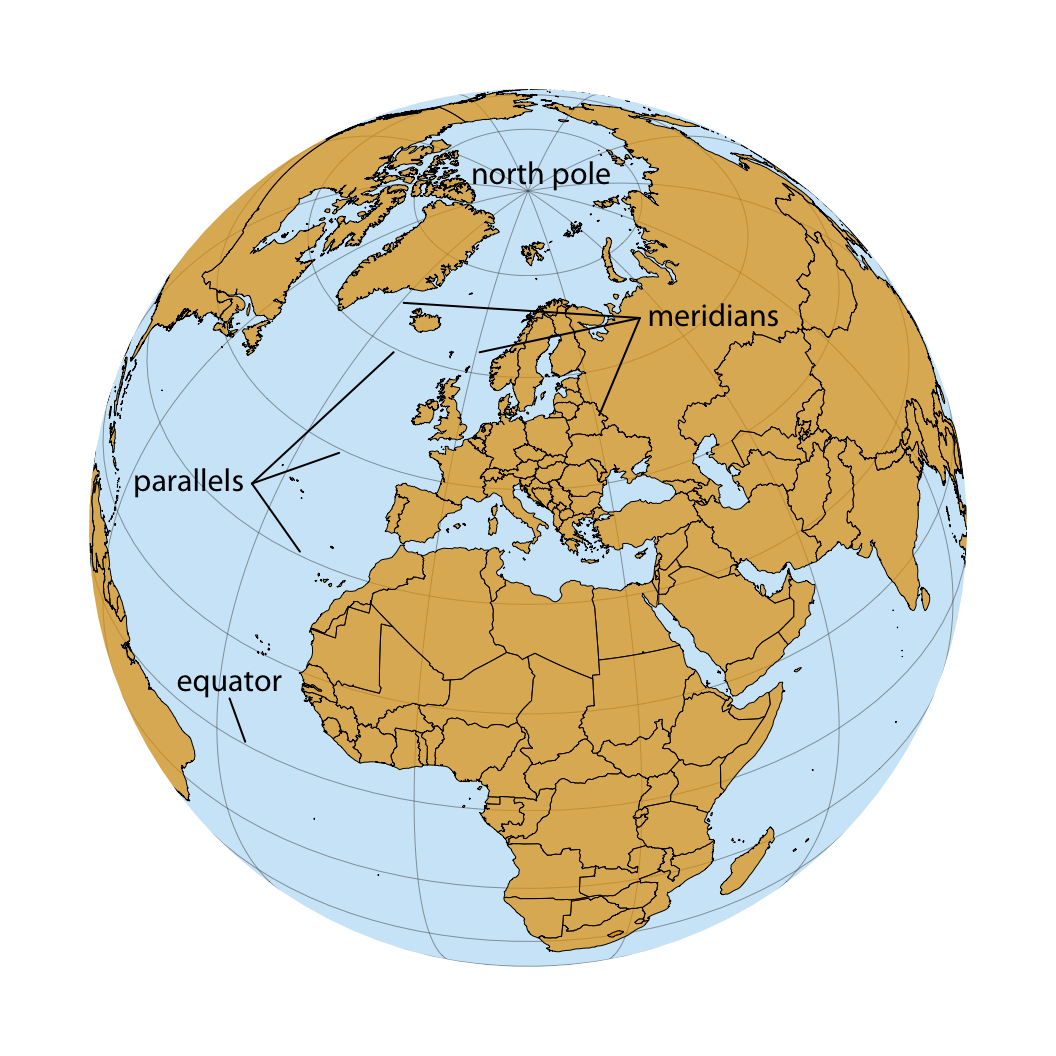
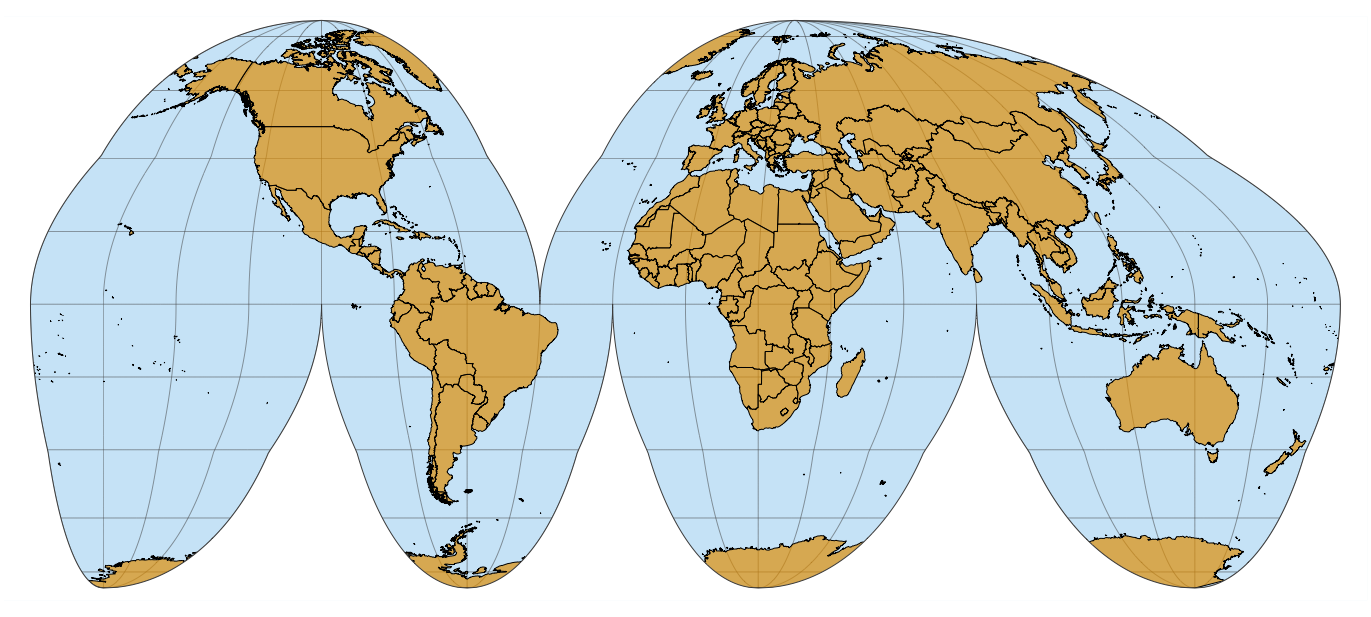
There are many ways to project onto a 2D plane
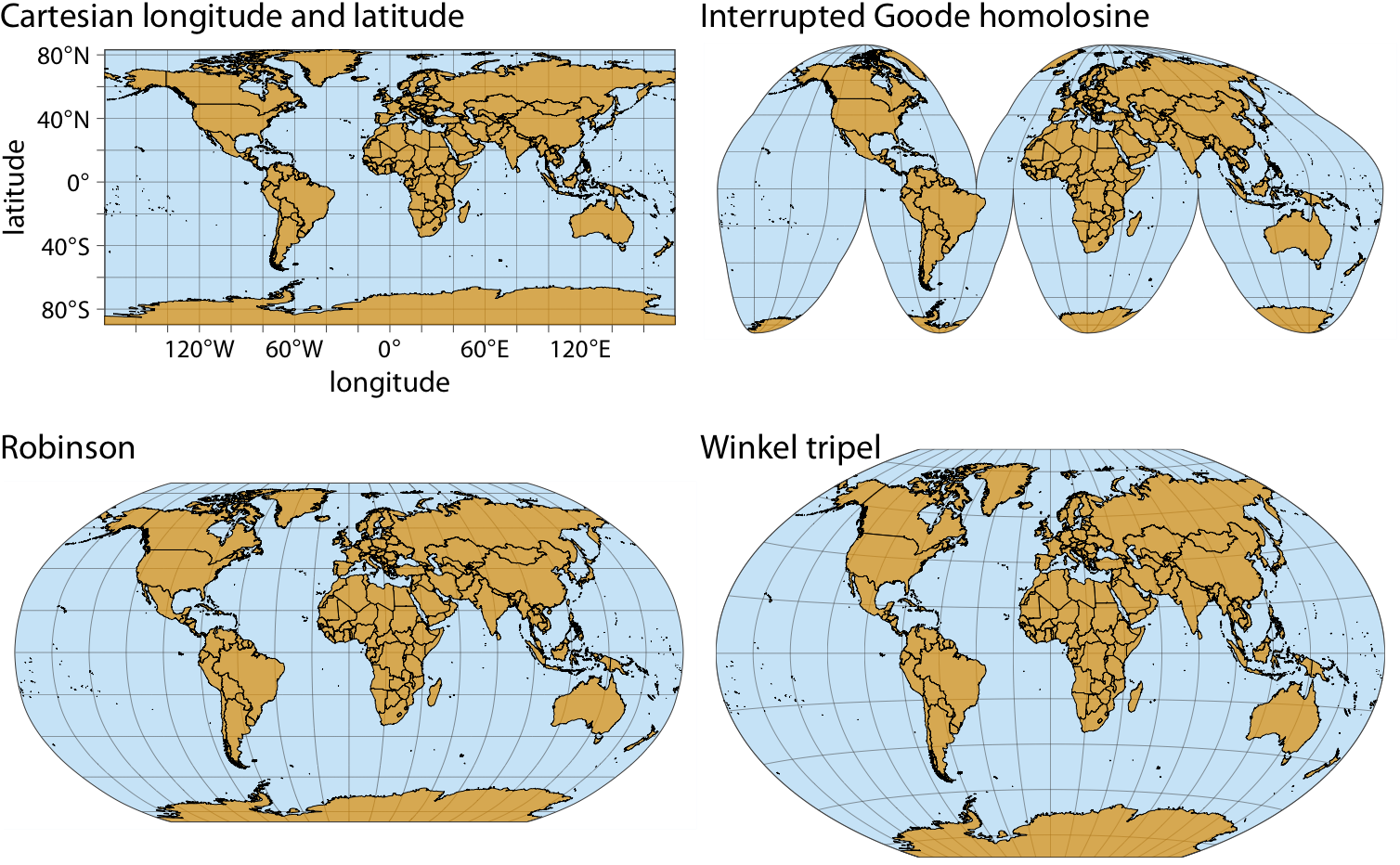
and many more in major families like
- Cylindrical (e.g., Mercator, Cartesian/Plate Carrée)
- Pseudocylindrical (e.g., Goode Homolosine, Robinson)
- Conic
- Planar
- Modified/Compromised (e.g., Winkel triple)
- Specialized
There are many ways to project onto a 2D plane
Mercator projection
Shapes are preserved, areas are severely distorted.
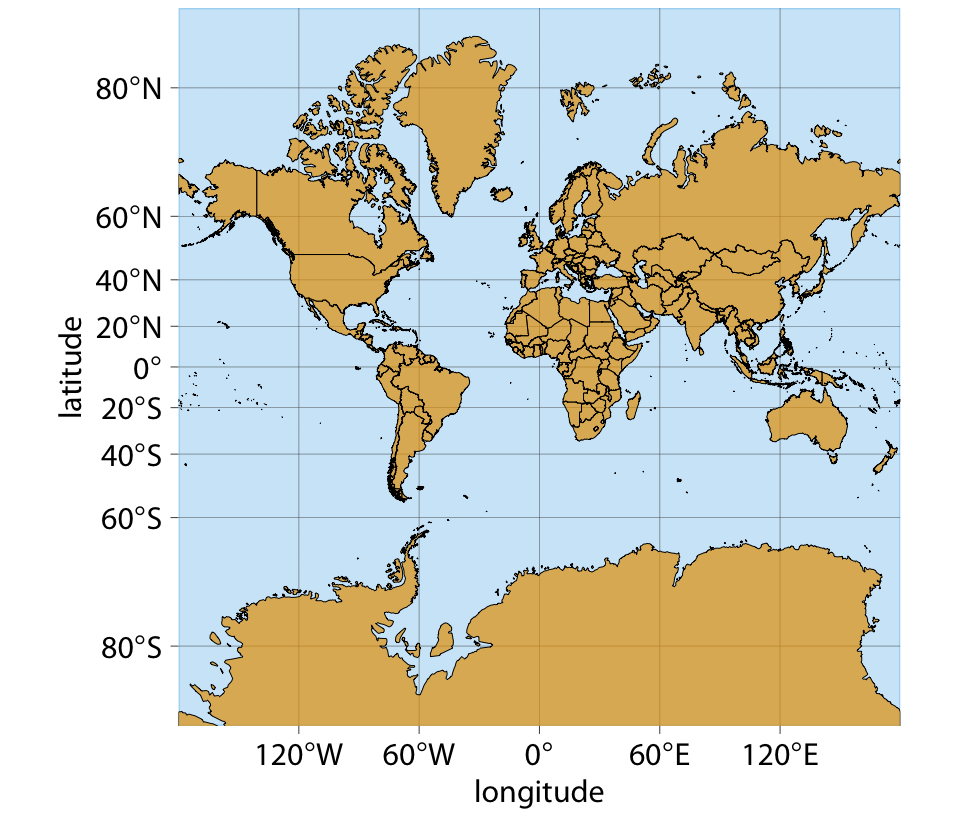
There are many ways to project onto a 2D plane
Goode homolosine
Areas are preserved, shapes are somewhat distorted
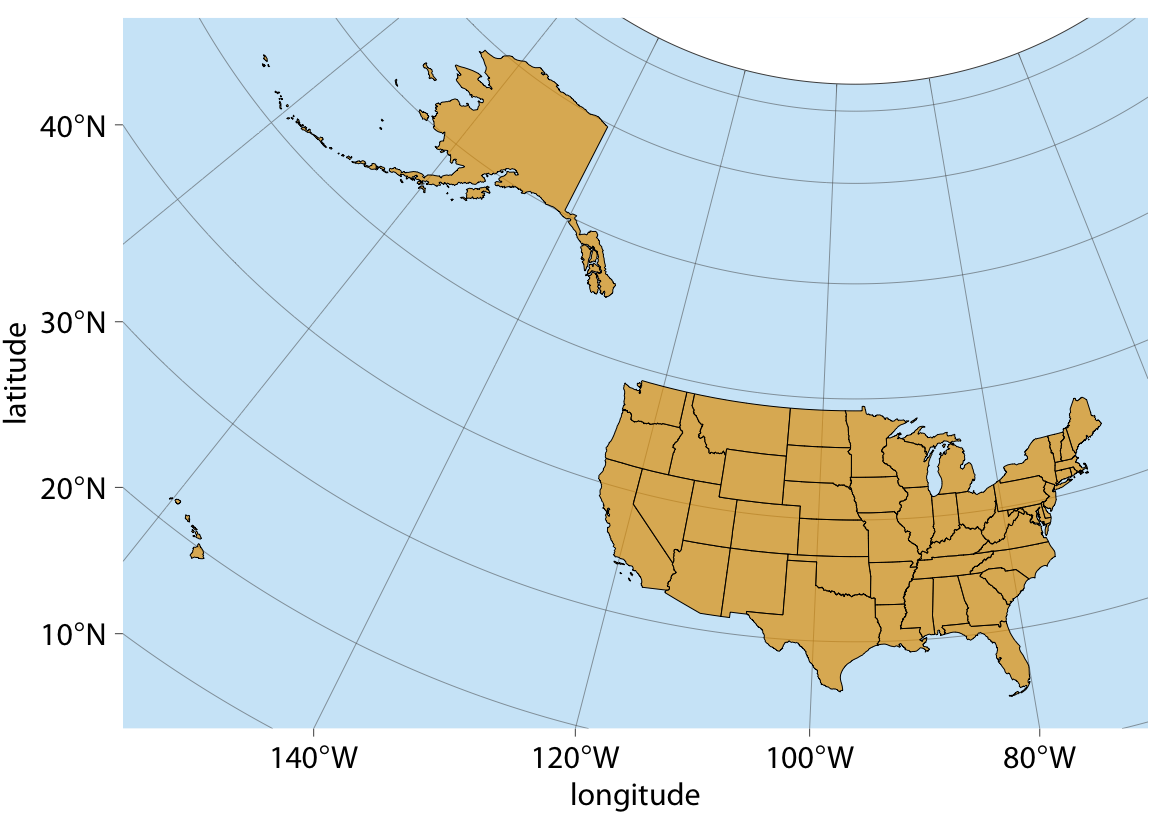
Projecting the US
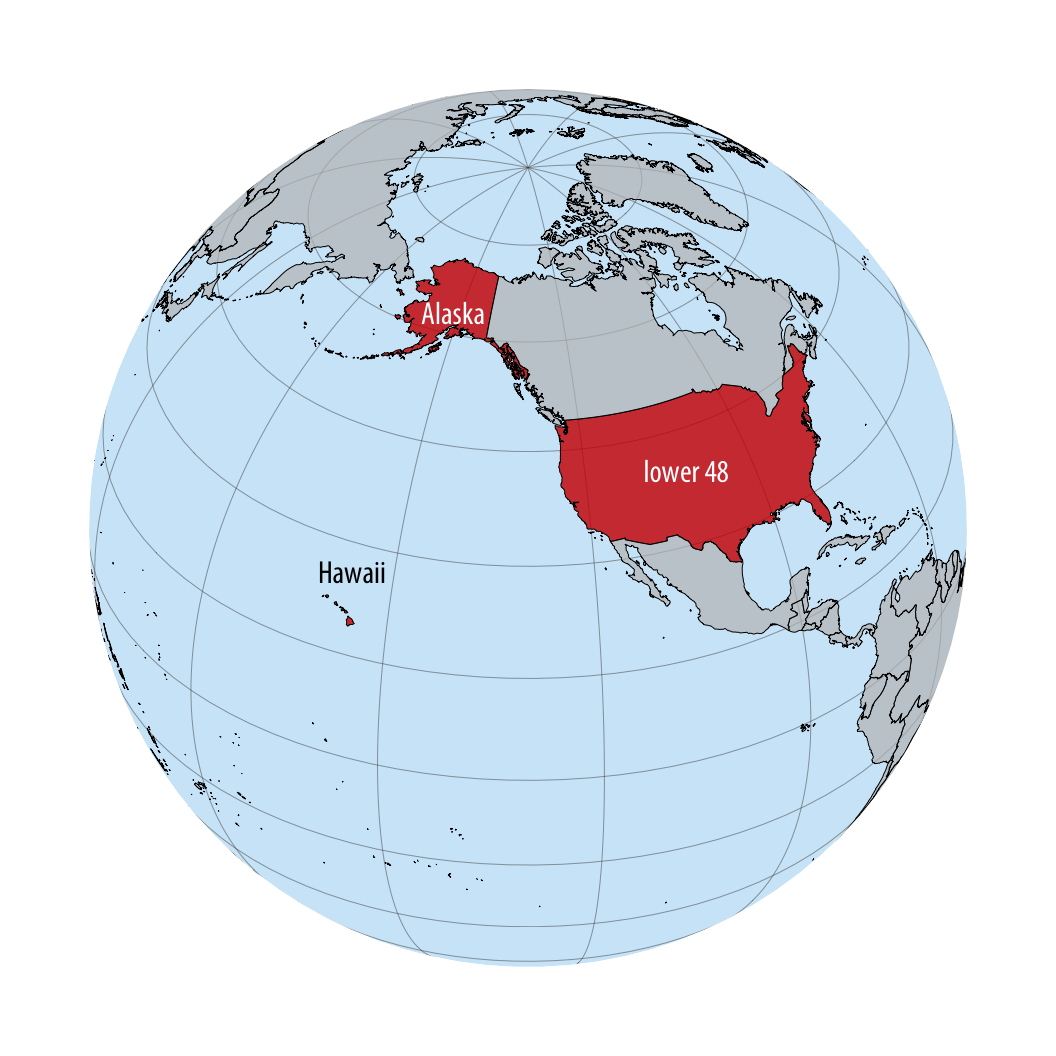
Projecting the US
A fair, area-preserving projection
The sf package: Simple Features in R
Plotting Europe
Code
ggplot(euro_map) + geom_sf() 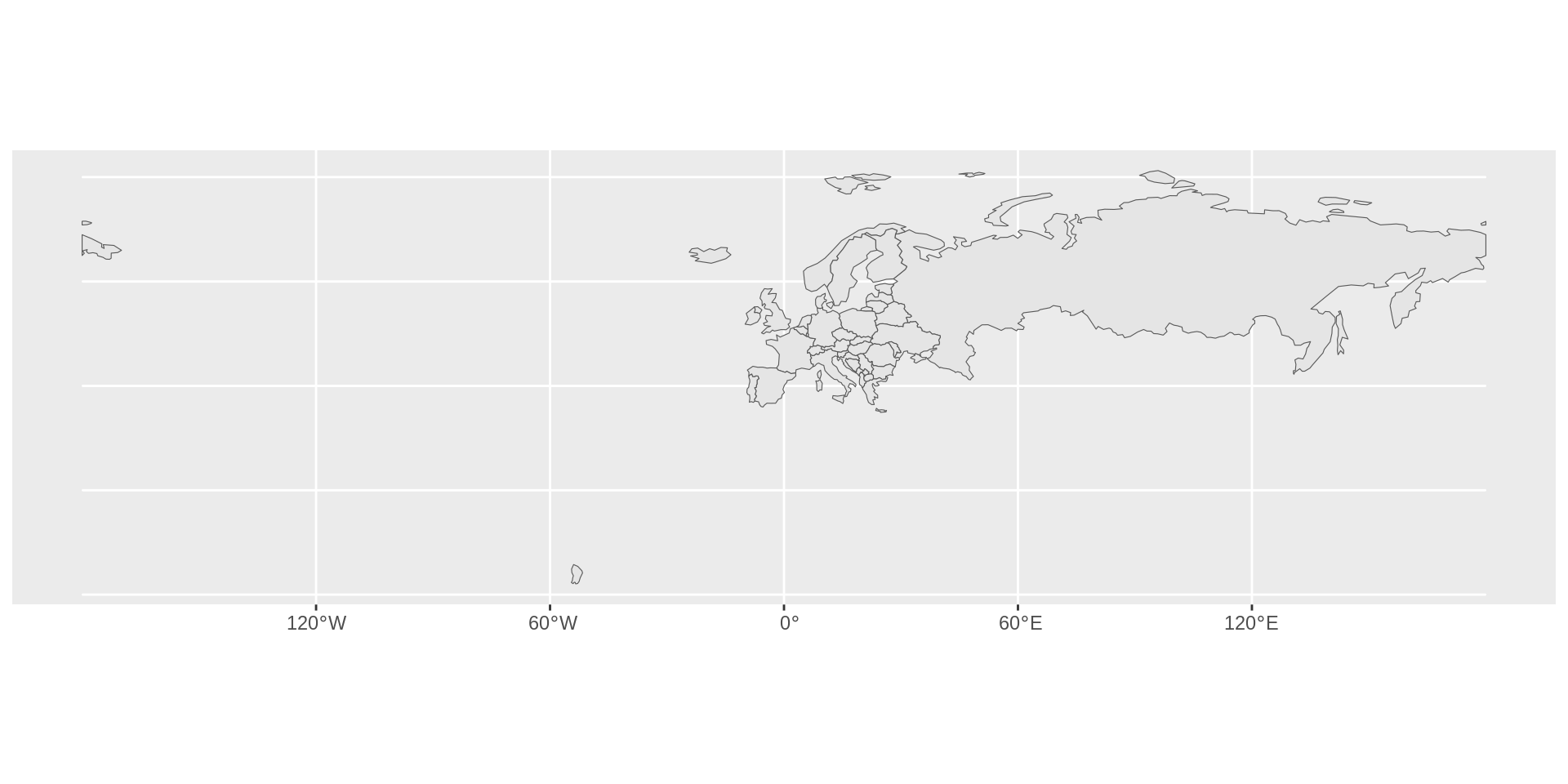
Plotting Europe geographically
Code
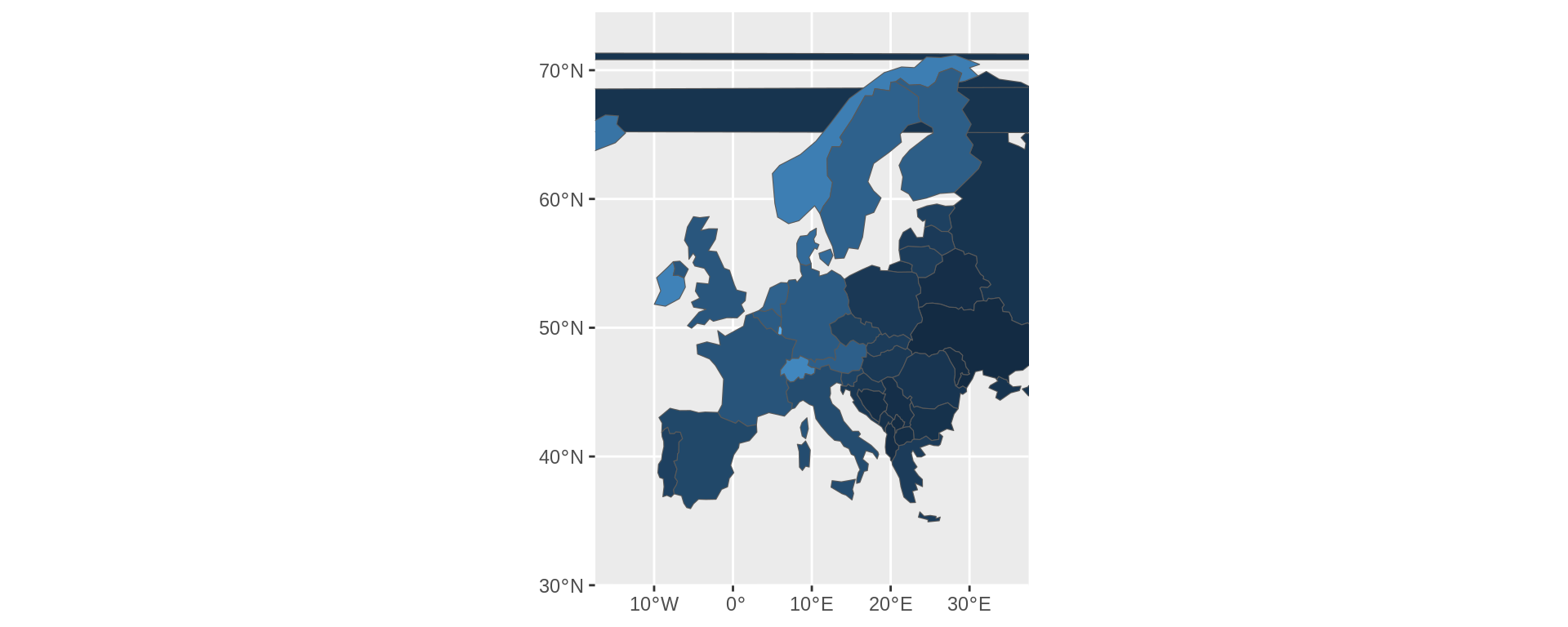
limits_x <- c(-25, 40)
limits_y <- c(32, 72.5)

euro_map |>
  ggplot() +
  geom_sf() +
  coord_sf(xlim = limits_x,
           ylim = limits_y)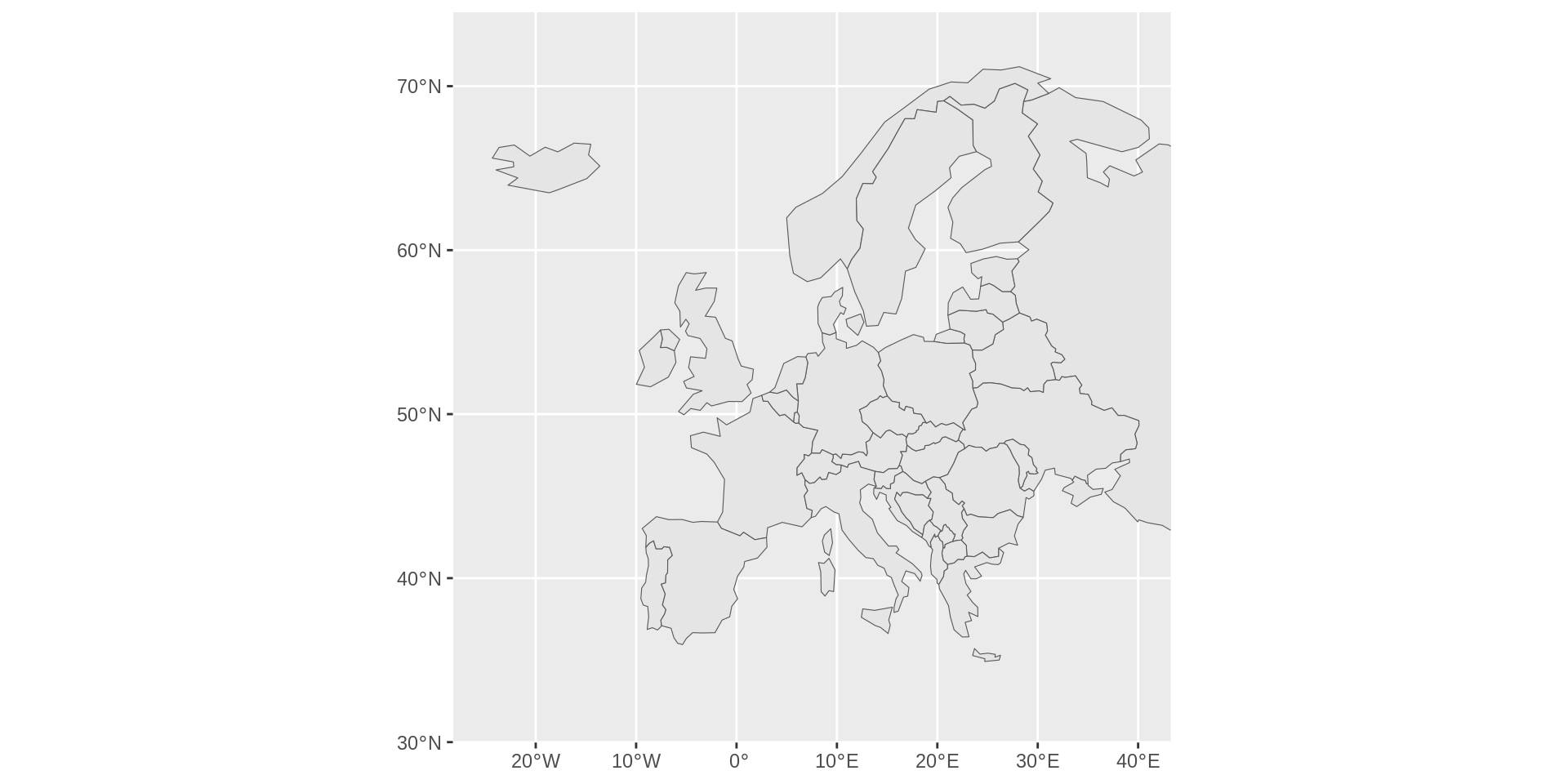
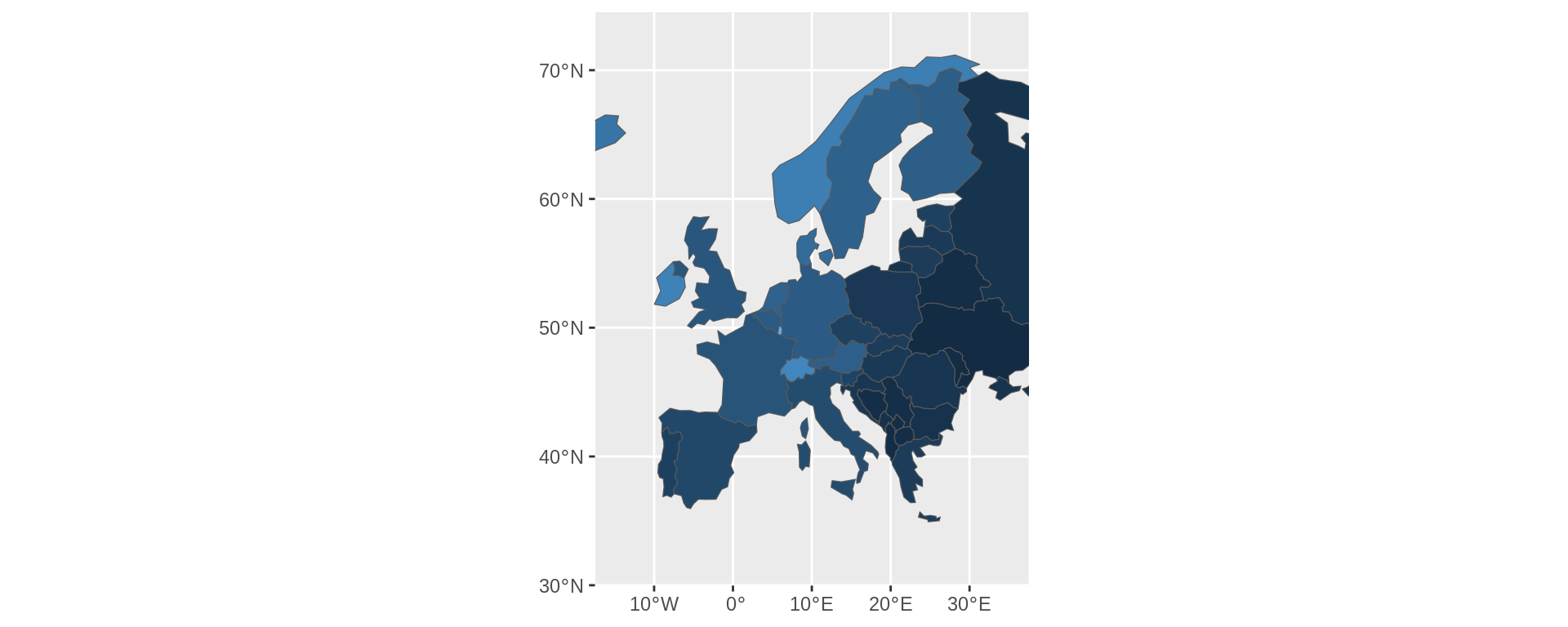
GDP per person in Europe
Code
euro_map |>
  ggplot() +
   geom_sf(aes(fill = gdp_md/pop_est)) +
    coord_sf(xlim = limits_x,
           ylim = limits_y) +
  guides(fill = guide_legend(title = "GDP/Population")) +
  theme(legend.position = "bottom") +
  scale_fill_binned_sequential()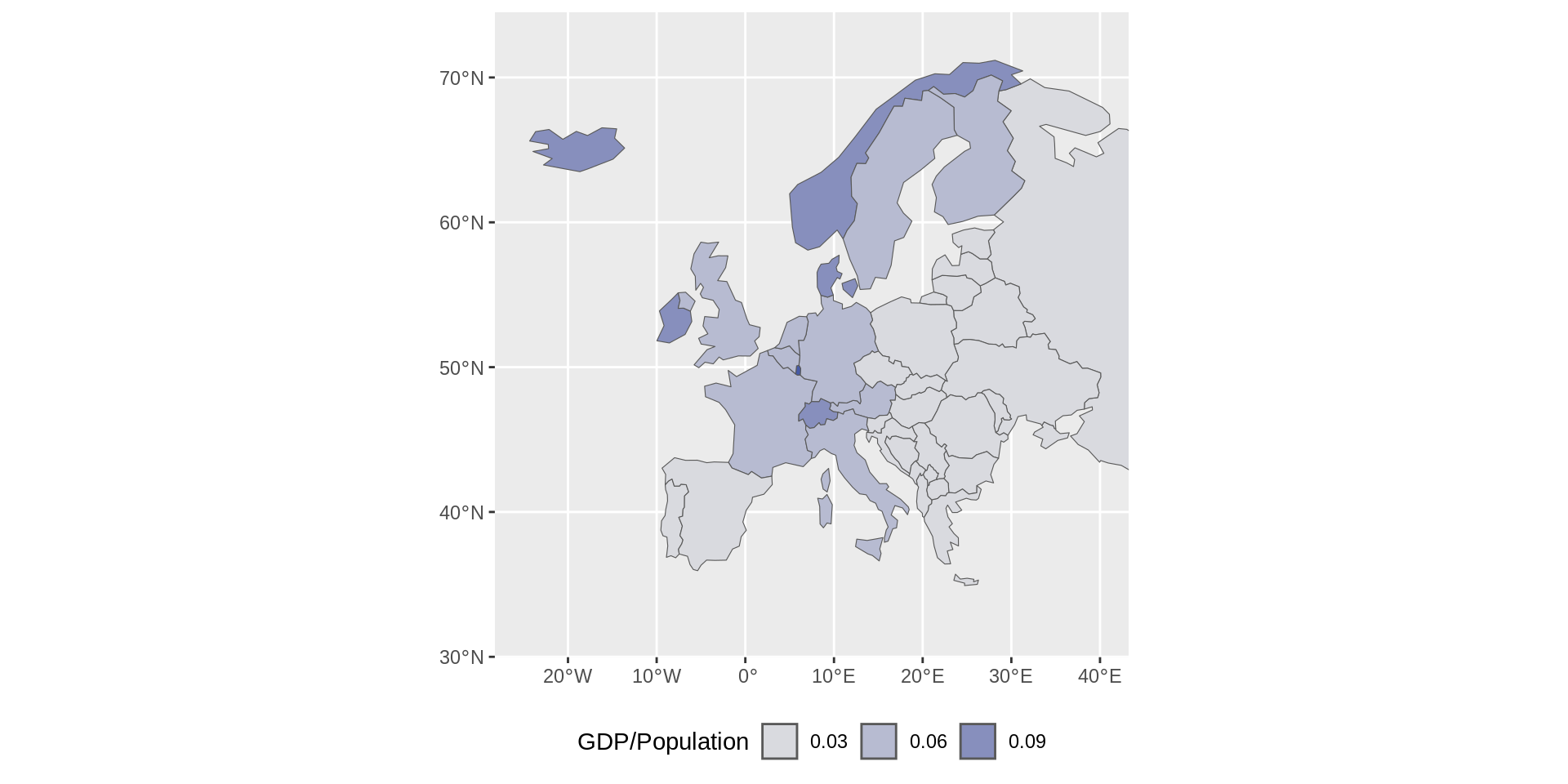
Your first choropleth!
from Ancient Greek χῶρος (khôros) ‘area, region’ and πλῆθος (plêthos) ‘multitude’) is a type of statistical thematic map that uses pseudocolor, meaning color corresponding with an aggregate summary of a geographic characteristic within spatial enumeration units, such as population density or per-capita income.
GDP per person in Europe - white borders
euro_map |>
  ggplot() +
  geom_sf(aes(fill = gdp_md/pop_est),
          colour = "white") +
  coord_sf(xlim = limits_x,
           ylim = limits_y) +
  guides(fill = guide_legend(title = "GDP/Population"))+
  theme(legend.position = "bottom") +
  scale_fill_binned_sequential()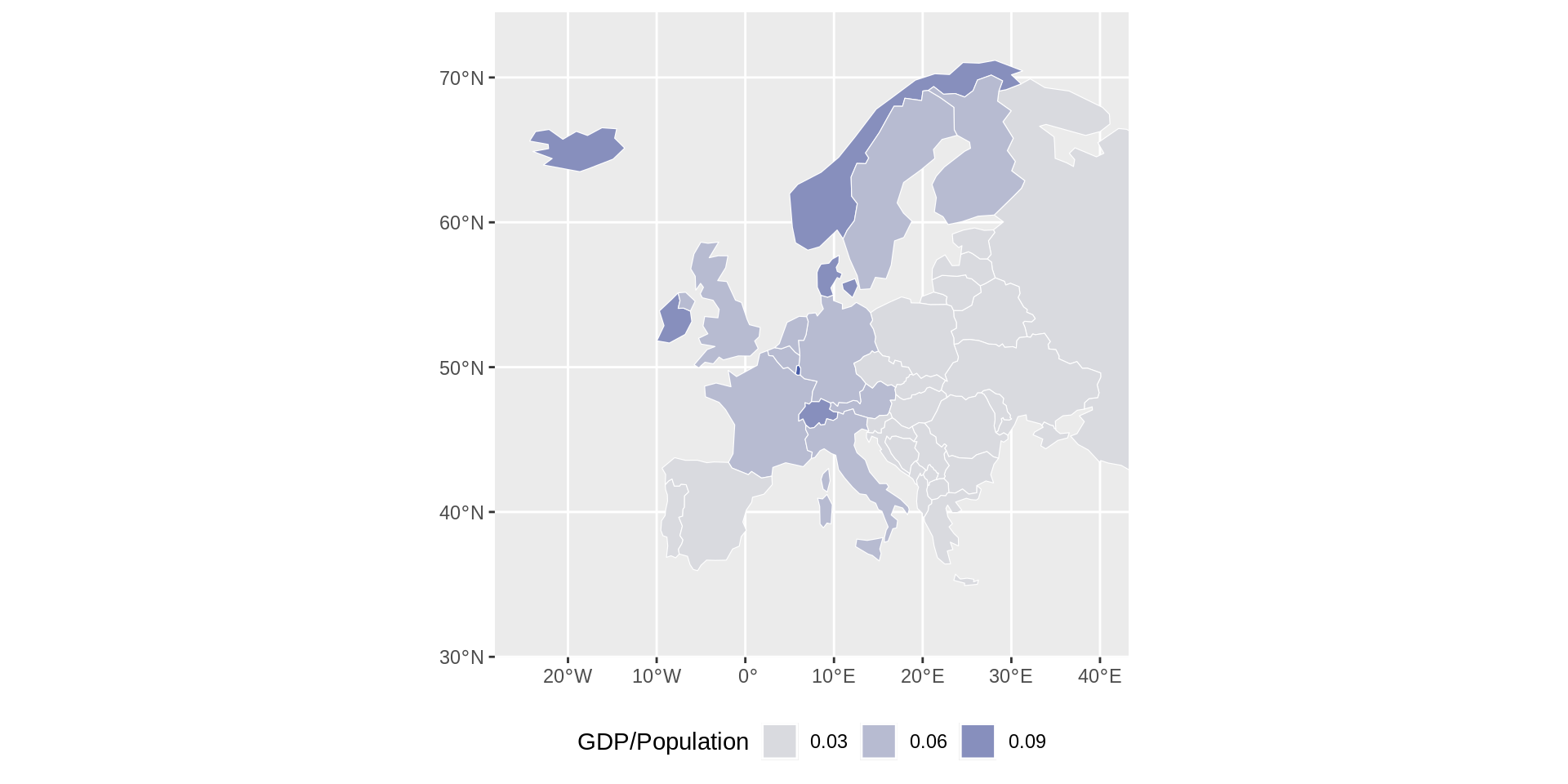
Plotting Luxembourg
ggplot(
euro_map |>
   filter(name == "Luxembourg") |>
relocate(geometry)) + geom_sf()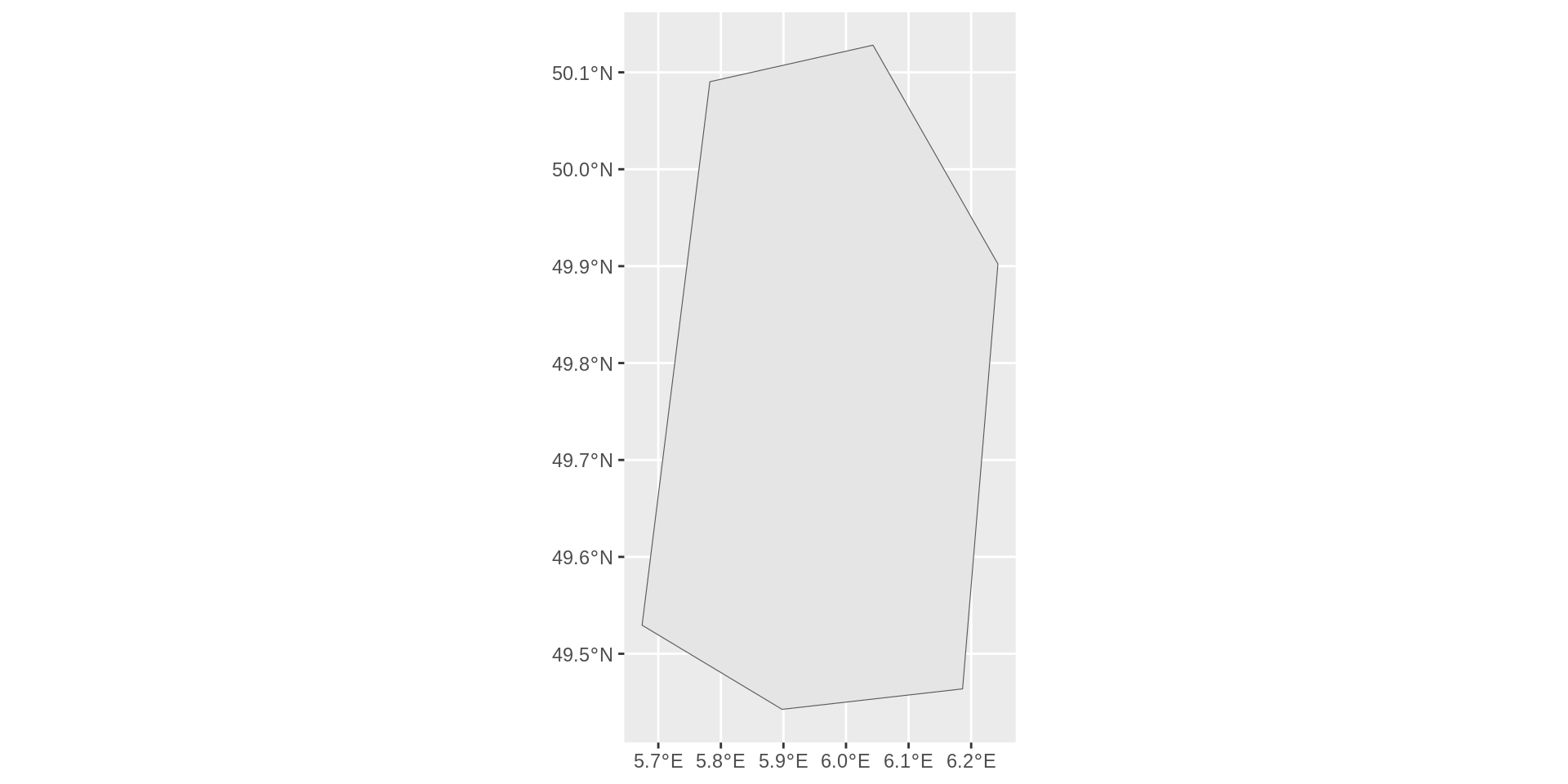
More resolution is needed
euro_map50 <- rnaturalearth::ne_countries(
  scale = 50,
  type = 'map_units',
  returnclass = 'sf')

euro_map50 |> filter(name == "Luxembourg") |>
  ggplot() +
  geom_sf()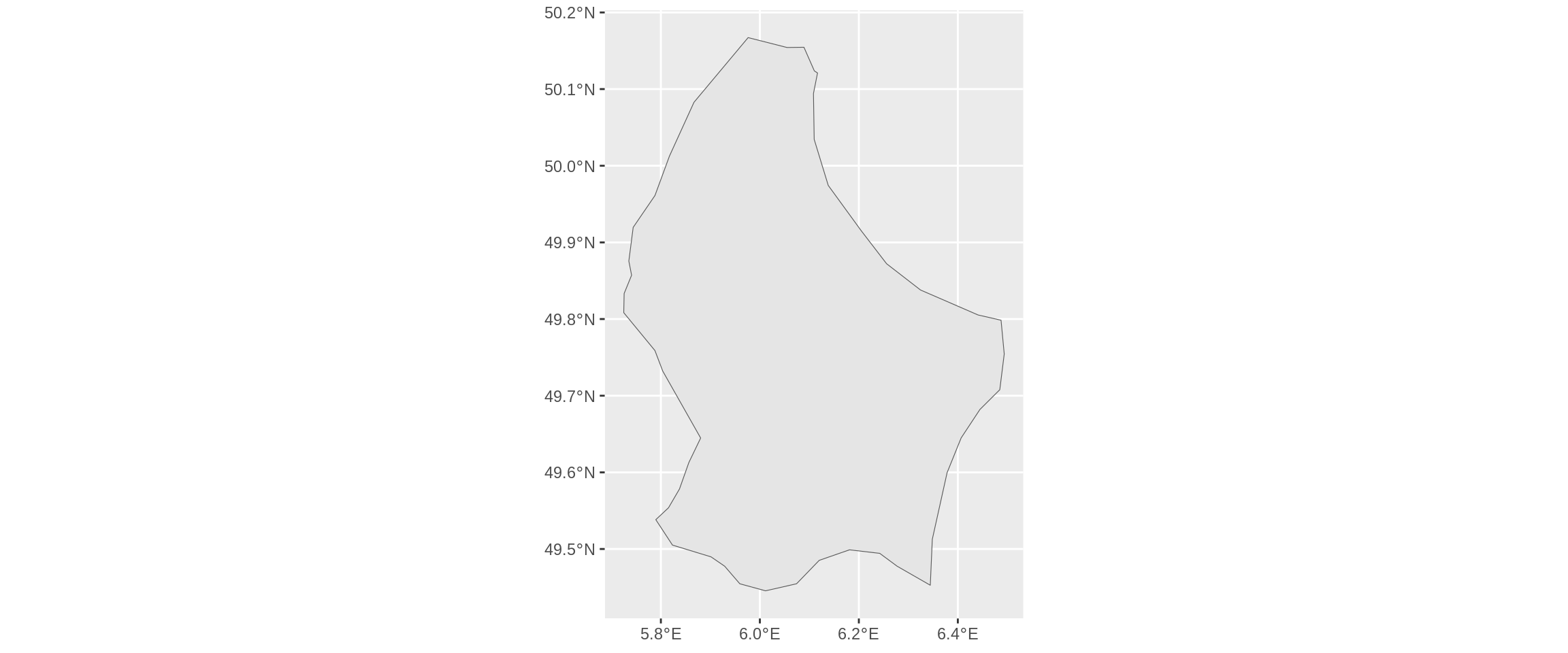
High-resolution maps from Shapefiles
f = system.file("shapes/world.gpkg", package = "spData")
world = read_sf(f)
lux_shp <- sf::st_read("data/LIMADM_COMMUNES.shp")Reading layer `LIMADM_COMMUNES' from data source
`/builds/NZds3xjaf/0/uniluxembourg/lcsb/r-training/mads6/slides/data/LIMADM_COMMUNES.shp'
using driver `ESRI Shapefile'
Simple feature collection with 102 features and 4 fields
Geometry type: MULTIPOLYGON
Dimension: XY
Bounding box: xmin: 48930.25 ymin: 57015.29 xmax: 106113.8 ymax: 138759.2
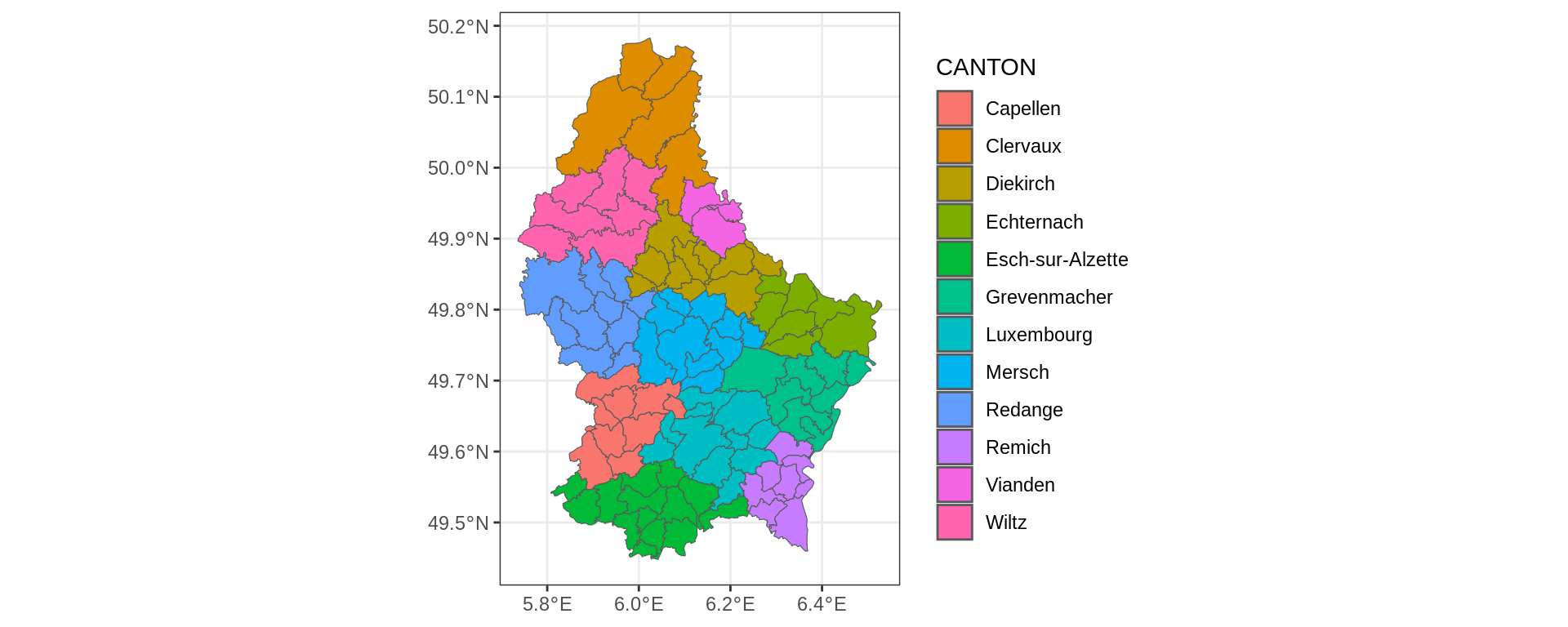
Projected CRS: Luxembourg_1930_Gaussggplot(lux_shp) +
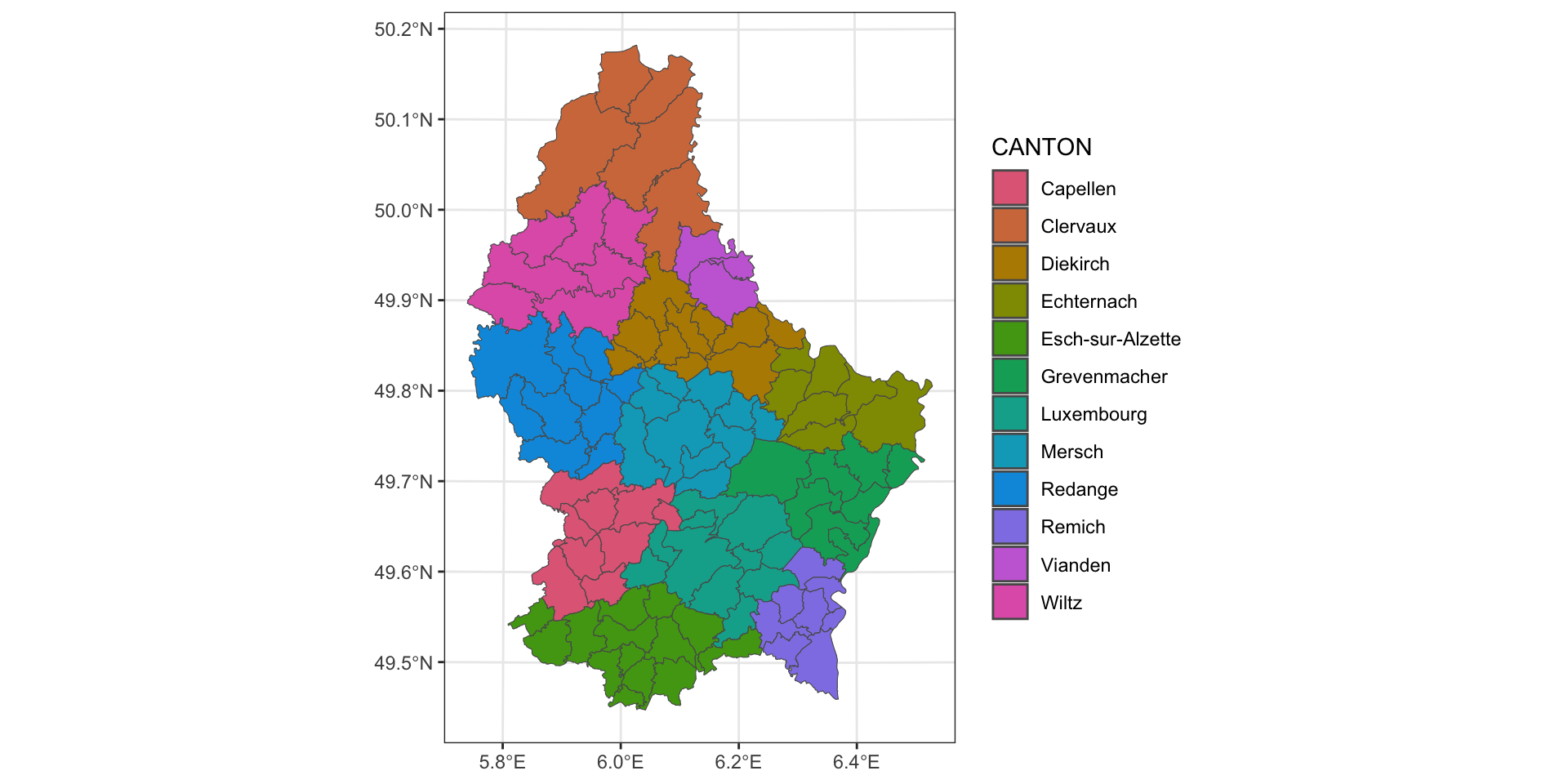
geom_sf(aes(fill = CANTON)) +
theme_bw() -> lux_commune_maplux_commune_map +
# paletteer::scale_fill_paletteer_d("rtist::vangogh")
scale_fill_discrete_qualitative(palette = "Dark 3")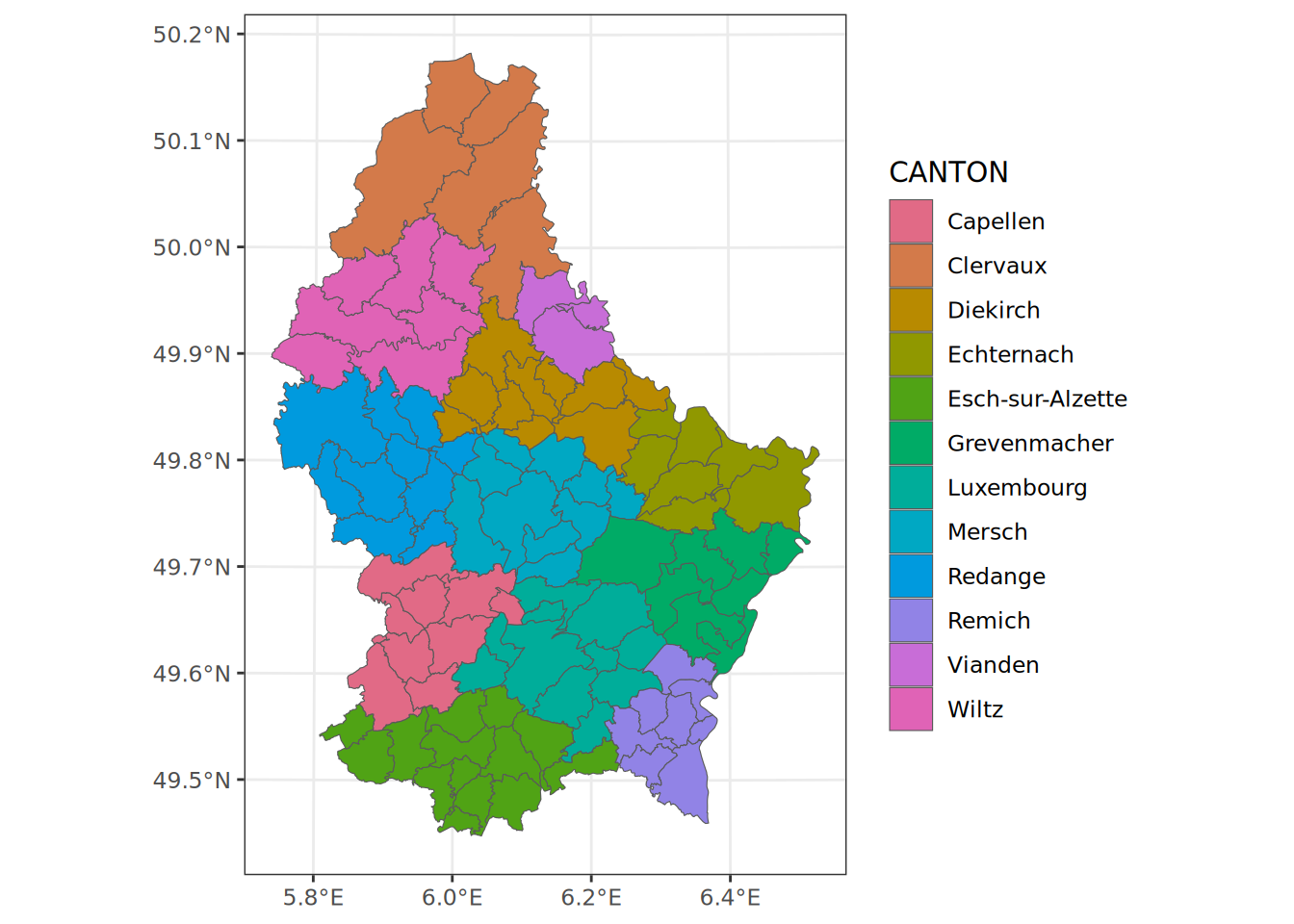
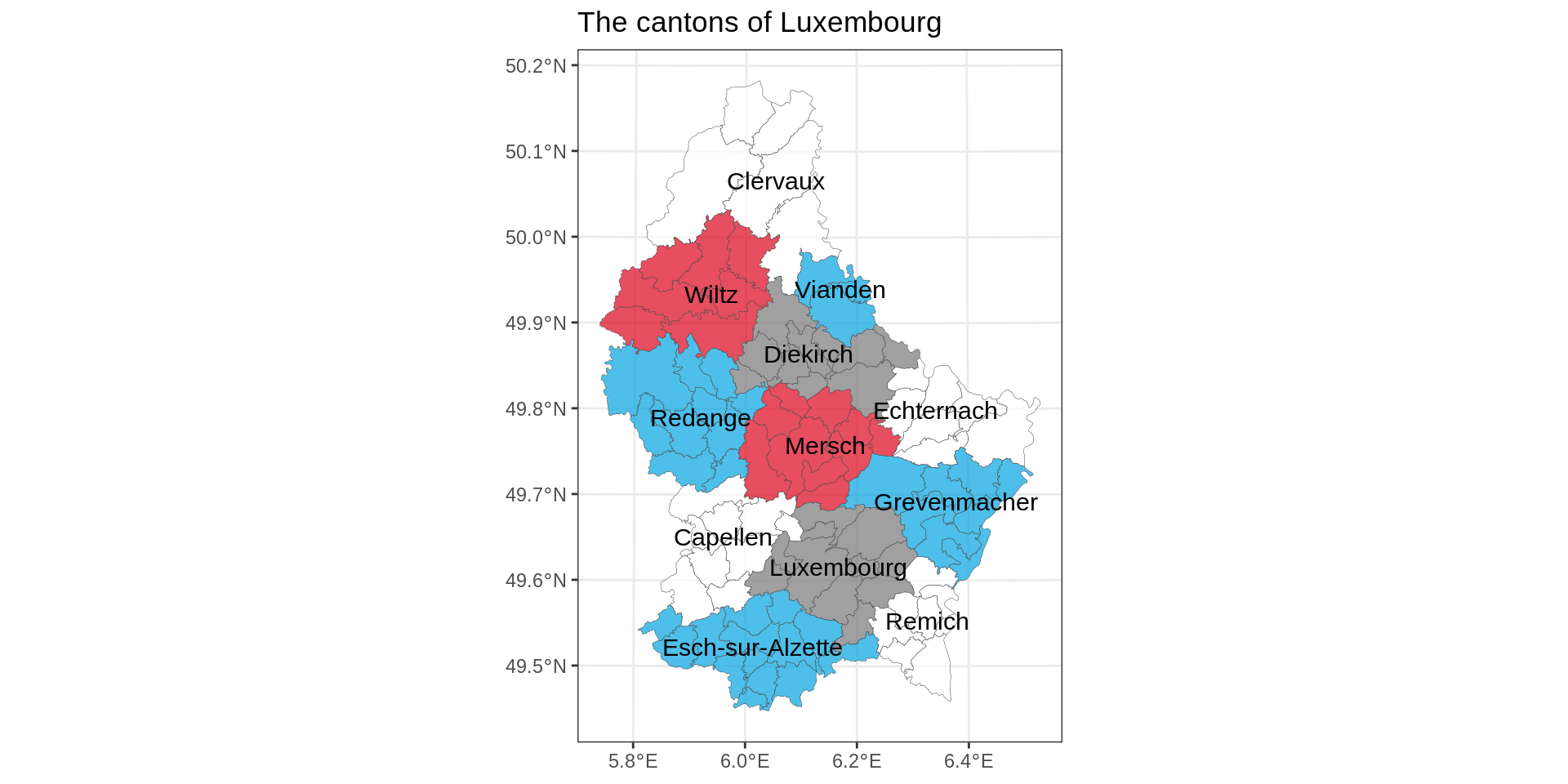
Four color theorem
Code
commune <- c(
  Redange = "#00A4E1",
  Grevenmacher = "#00A4E1",
  Luxembourg = "#777",
  Vianden = "#00A4E1",
  Mersch = "#DC021B",
  "Esch-sur-Alzette" = "#00A4E1",
  Wiltz = "#DC021B",
  Clervaux = "#FFF",
  Diekirch = "#777",
  Remich =  "#FFF",
  Capellen = "#FFF",
  Echternach = "#FFF"
)

lux_shp |>
  group_by(CANTON) |>
  mutate(n = row_number(),
    canton_label = if_else(n ==1, CANTON, ""),
    # centroid of each elements (county level)
    lon = st_coordinates(st_centroid(geometry))[,1],
    lat = st_coordinates(st_centroid(geometry))[,2],
    # median lon/lat of county centroids. It's a hack.
    med_lon = median(lon),
    med_lat = median(lat))  |>
  ungroup() |>
ggplot() +
  geom_sf(aes(fill = CANTON) ,
          alpha = 0.7,
          show.legend = FALSE, linewidth = 0.1) +
  theme_bw()  + scale_fill_manual(values = commune) +
  geom_text(aes(x = med_lon, y = med_lat, label = canton_label), size = 4) +
  # geom_sf_text does not take x, y
  labs(title = "The cantons of Luxembourg",
       x = NULL,
y = NULL) 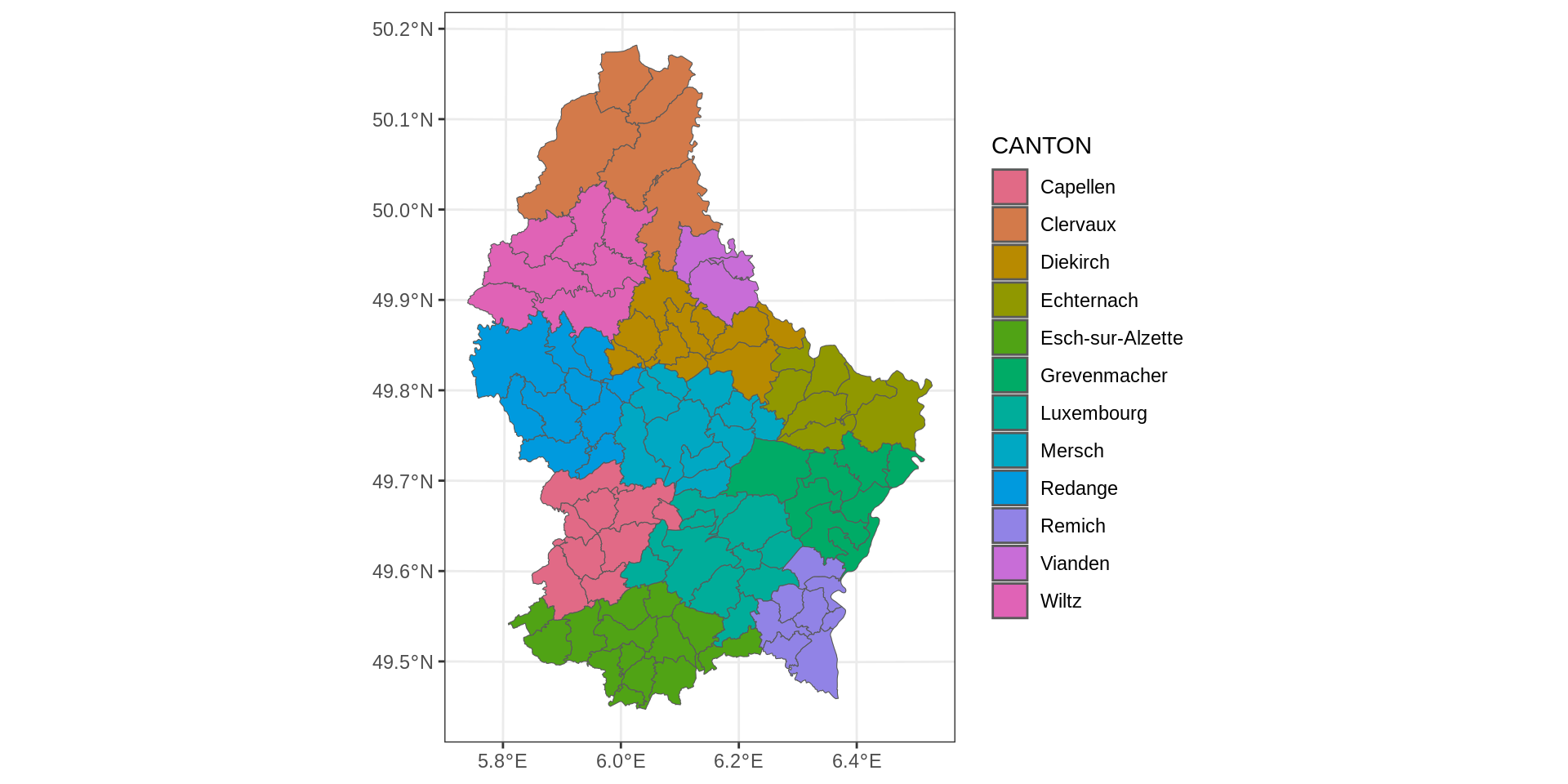
Transforming using the Coordinate Reference System (CRS)
Luxembourg by different CRS
CRS transform needs to be applied to all spatial data
We want to add our spot; just using coordinates will not work after transformations.
mno_1020 long lat
1 5.9479 49.5037Web Mercator
+ coord_sf(crs = 3857):De facto standard for online mapping services like Google Maps, OpenStreetMap, and Bing Maps.
Assumes spherical earth, hence computationally faster, which is relevant for web applications.
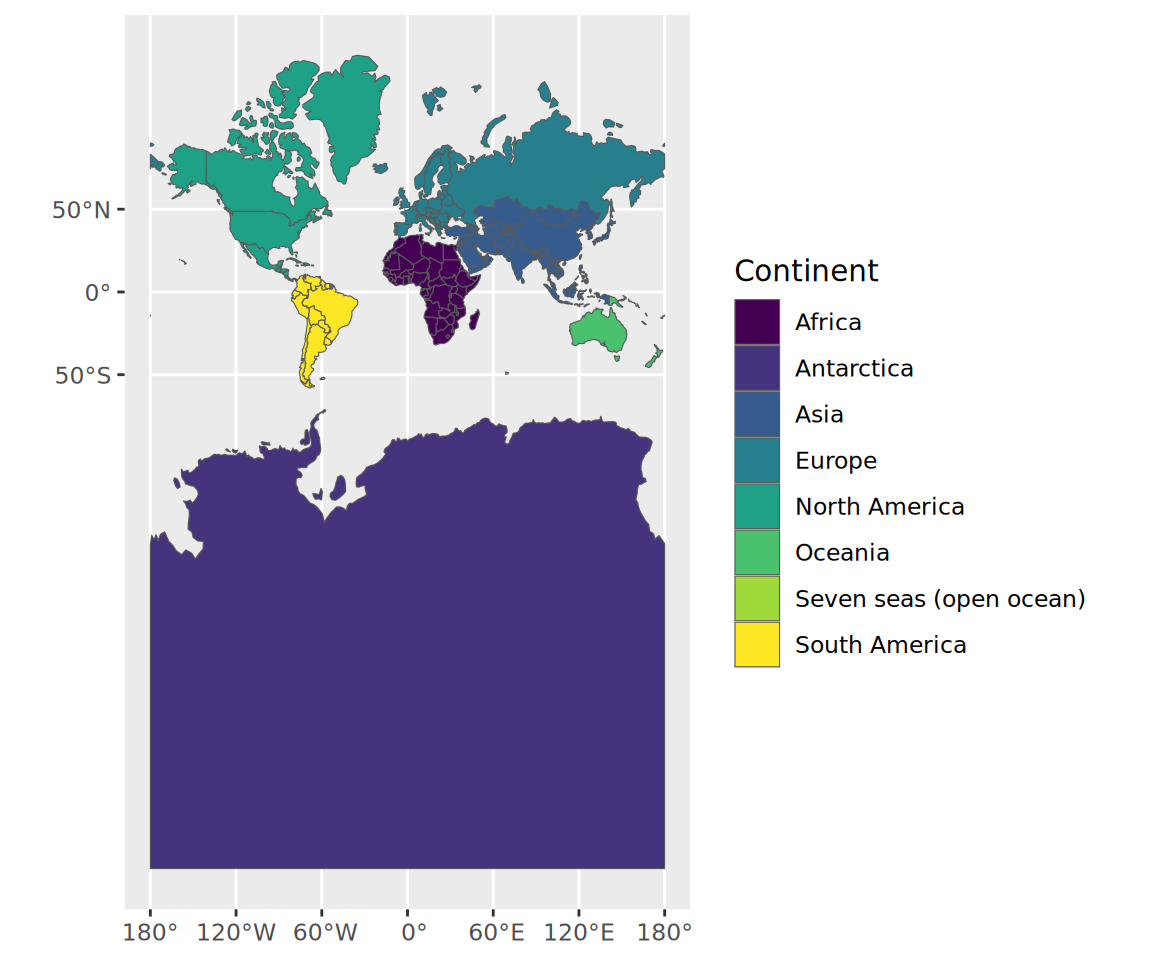
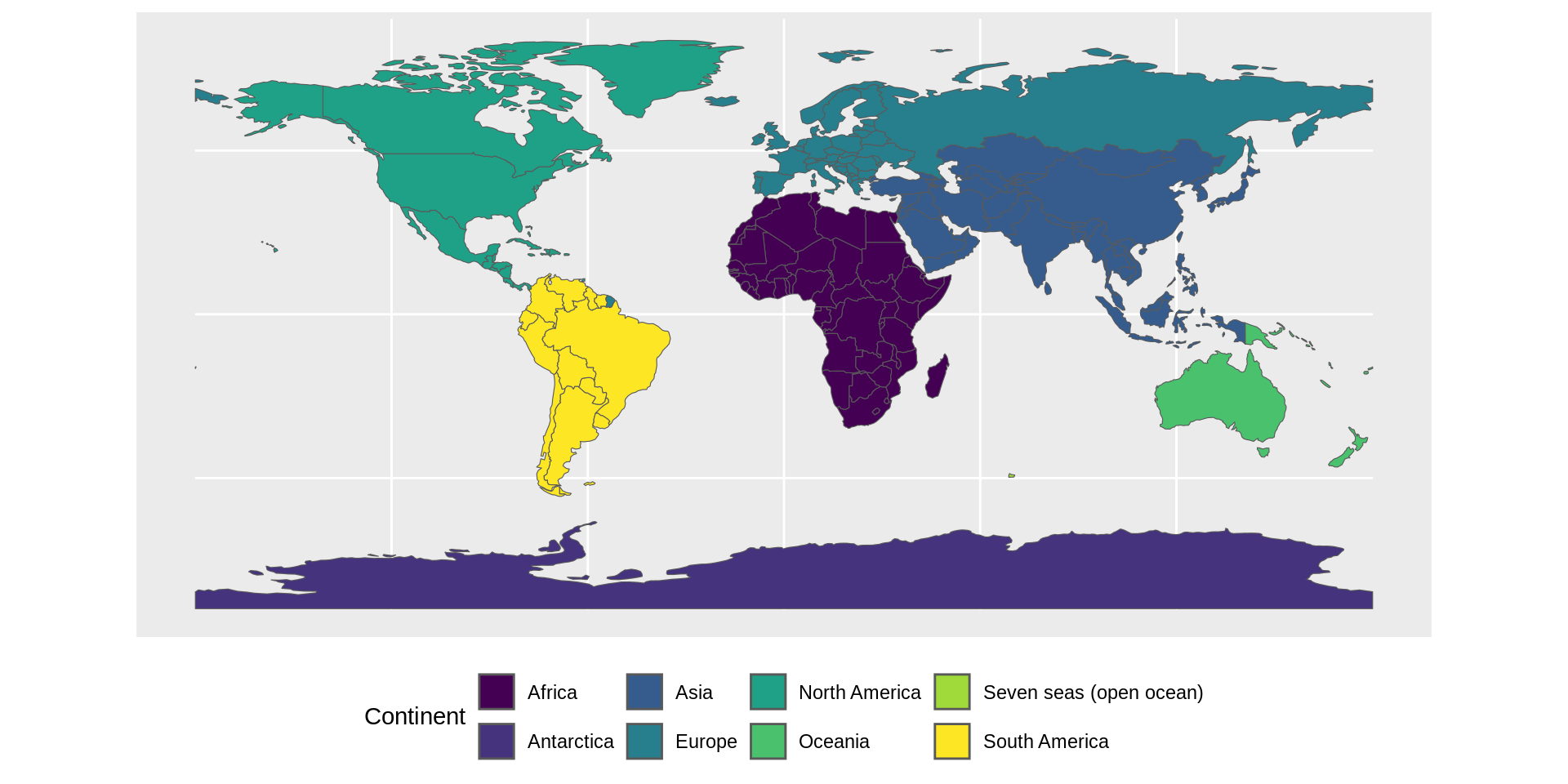
CRS transform needs to be applied to all spatial data
continent_map +
  geom_point(data = mno_1020,
             aes(x = long, y = lat),
             color = "red") +
    geom_label_repel(data = mno_1020,
                  aes(x = long, y = lat, label = "MNO"),
                  fill="black",
                  color = "white",
                  size = 3,
                  label.r = unit(0.25, "lines"), # rounded corners
                  label.size = 0.4, # border thickness
                  segment.color = "white",
                  segment.size = 0.7,
                  nudge_y = 0.3, # Keep label above
                  force=5 # Keep label further away
                  ) +
  theme(axis.title = element_blank()) # Needed as geom_point as labels.
Note
Latitude/longitude is WGS84 (EPSG:4326), i.e., standard GPS coordinates.
Does not fit with select CRS (Web Mercator, EPSG: 3857).
EPSG stands for European Petroleum Survey Group.
CRS transform needs to be applied to all spatial data
# Converting our position
mno_1020_sf <- st_as_sf(mno_1020,
         coords = c("long", "lat"),
         crs = 4326) %>%  # Specify it's in WGS84
  st_transform(crs = 3857)  # Transform to Web Mercator

continent_map +
  geom_sf(data = mno_1020_sf, # New simple feature to be plotted
          color = "red") +
  coord_sf(crs = 3857) # Web Mercator. Specify CRS for entire plot!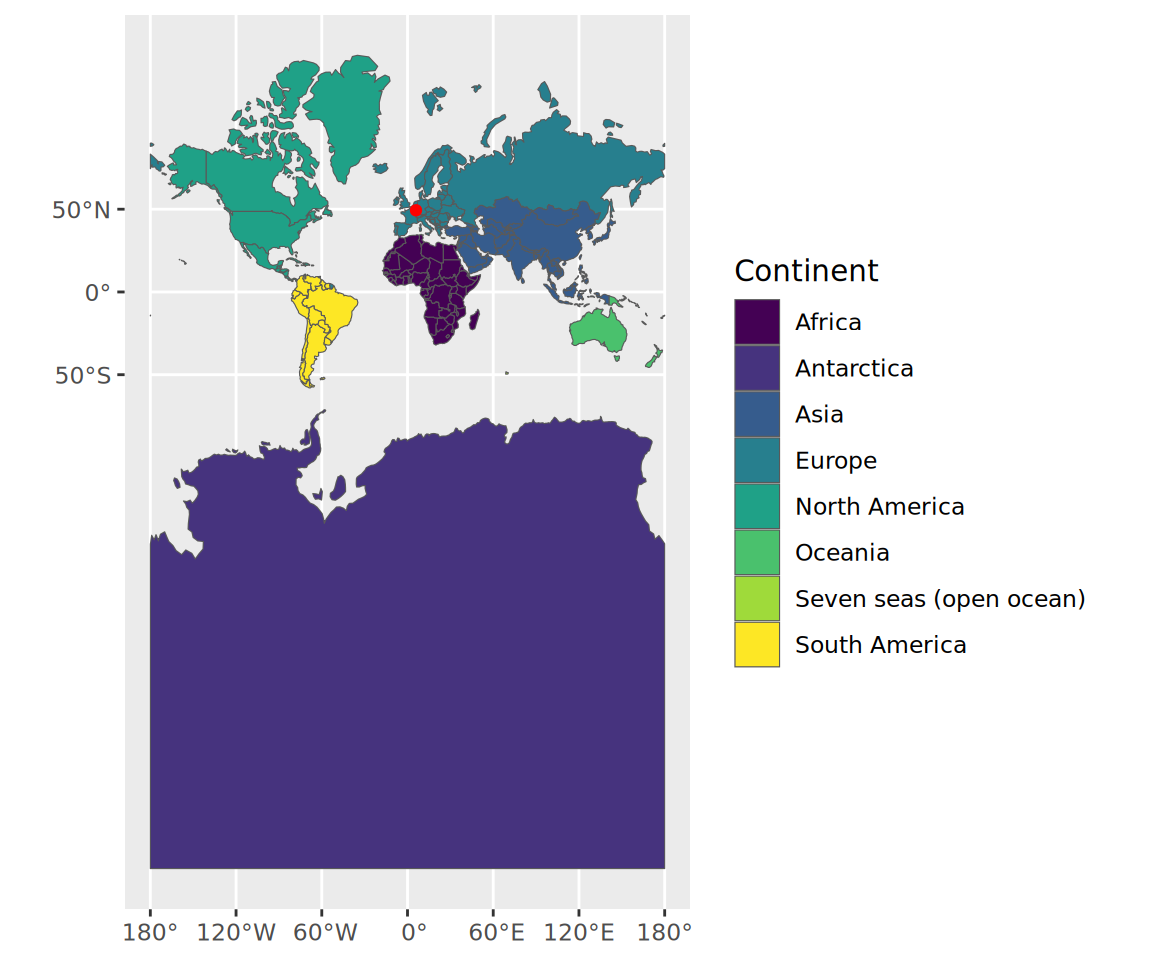
Zoom in
continent_map +
  geom_sf(data = mno_1020_sf, # New simple feature to be plotted
          color = "red") +
  coord_sf(crs = 3857, # Web Mercator. Specify CRS for entire plot!
            xlim = c(5.5, 6.75),
            ylim = c(48.5, 51),
default_crs = 4326) 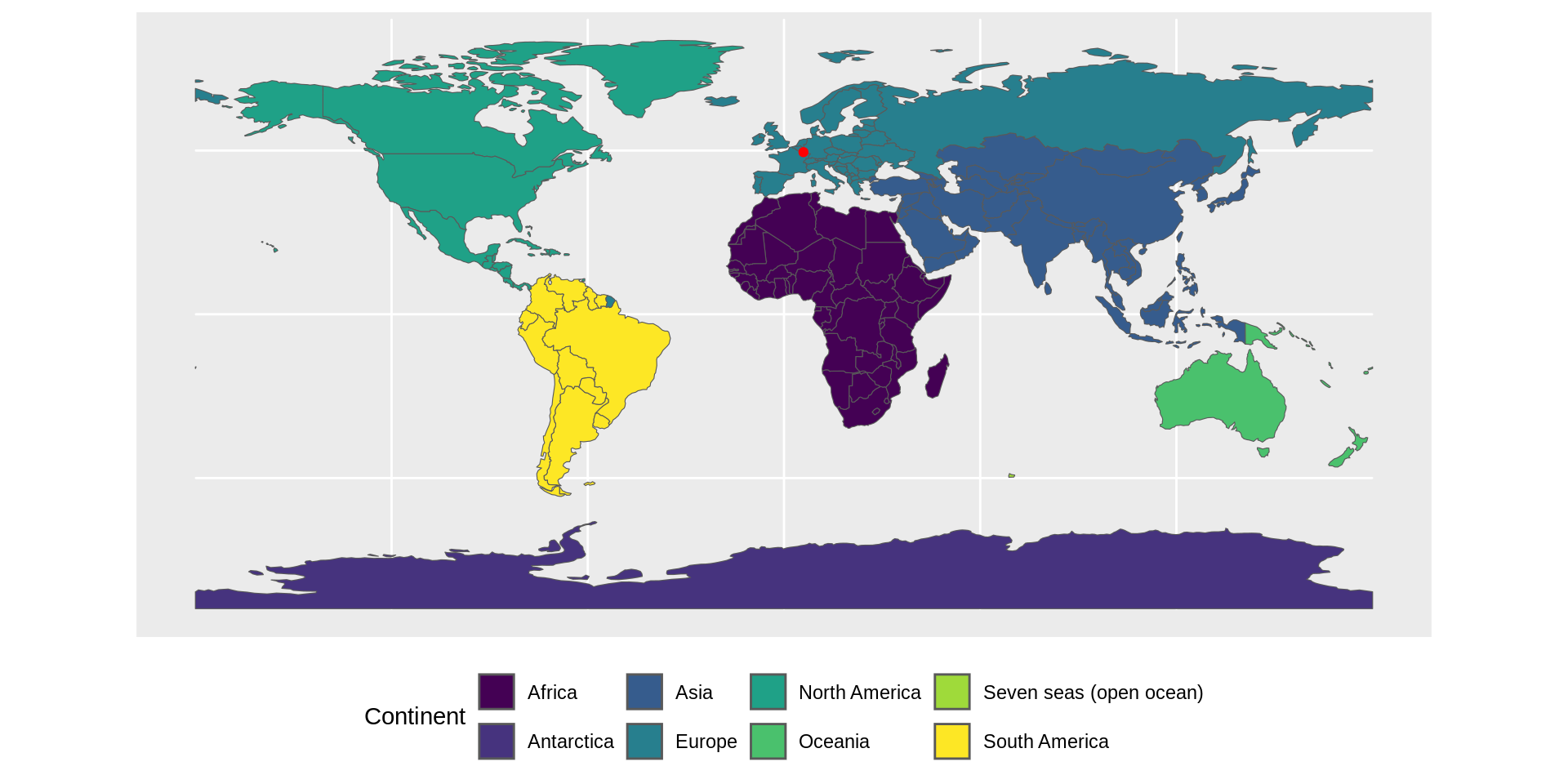
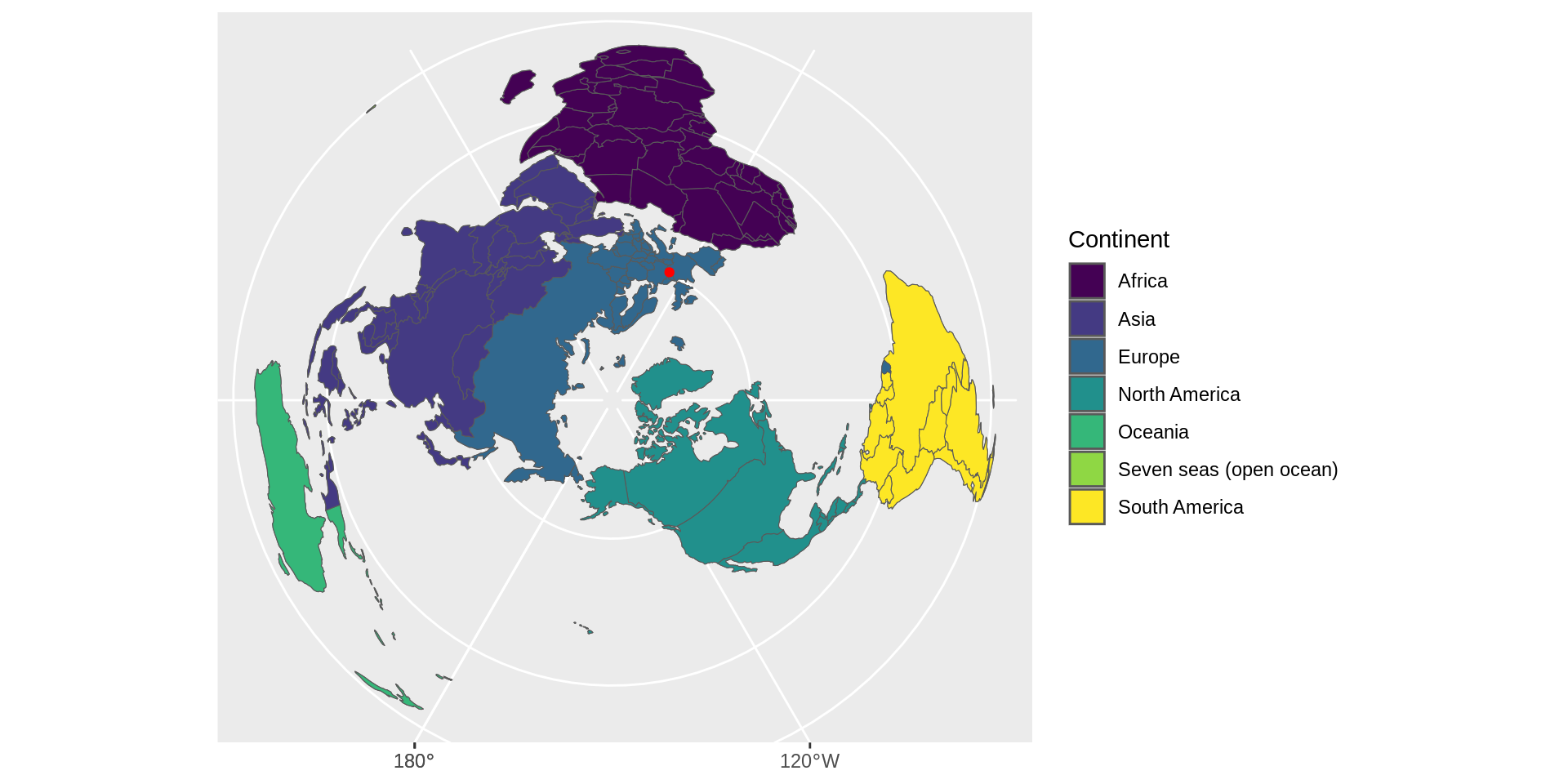
View from the pole
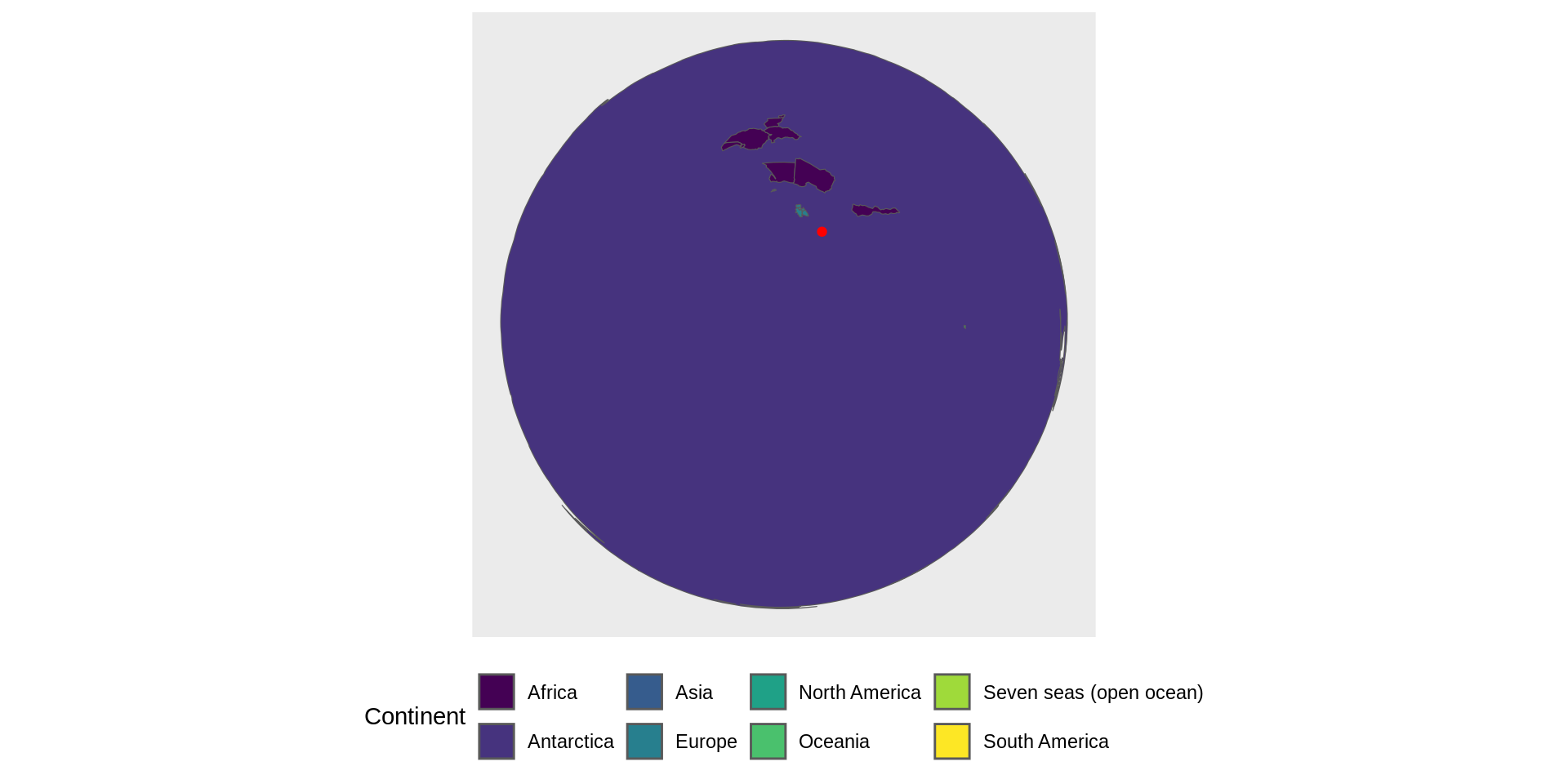
Removing Antarctica
When 3D is ok
Going from this
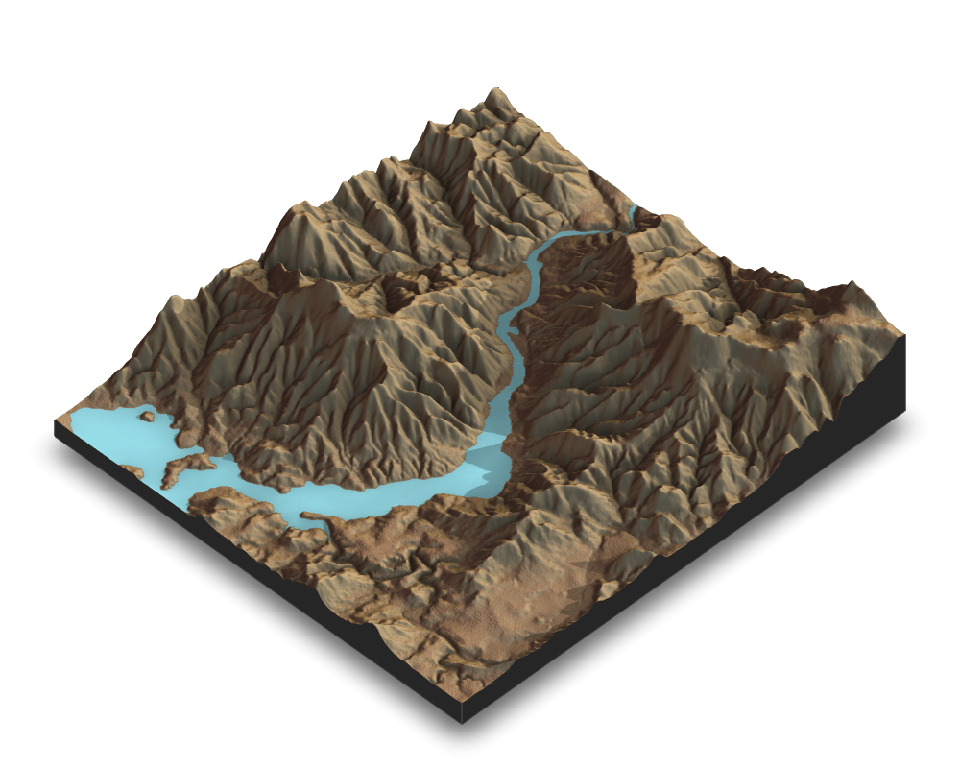
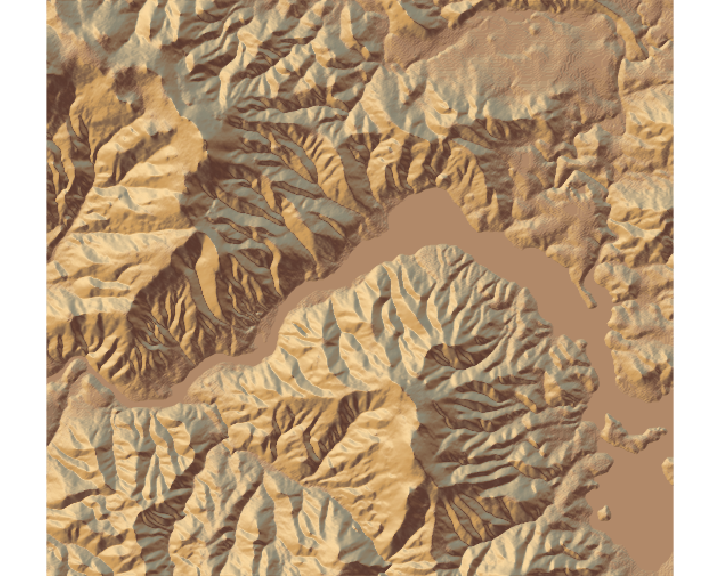 The rayshader package allows to produce 2D and 3D data visualizations in R.
to this
Want to hone your skills?
The 30 Day Map Challenge
- 30 Day Map Challenge repo
- Typically takes place in November
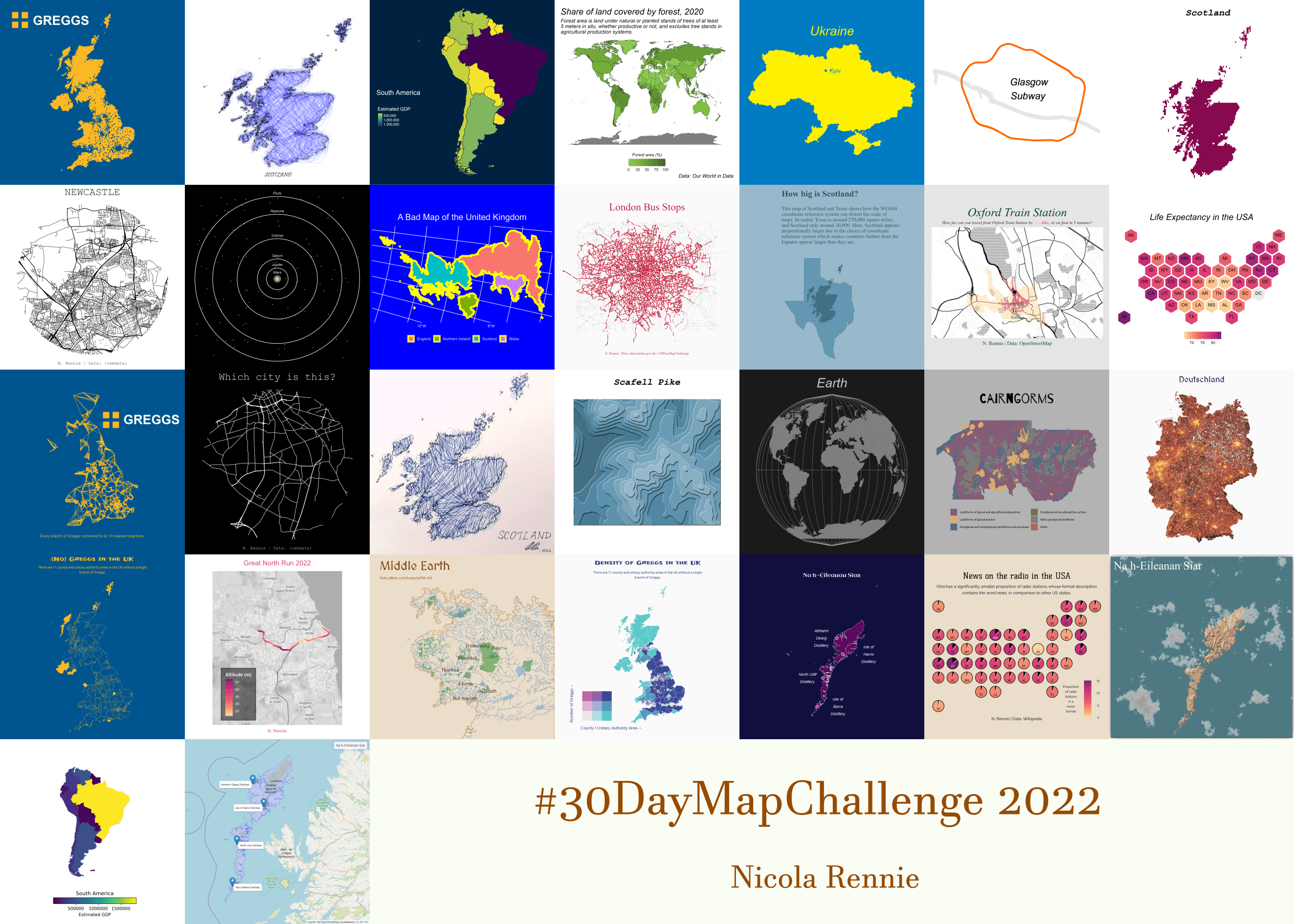
- An example from Nicola Rennie